Switching Inputs
You can use the following input methods to connect this machine to a computer,
smartphone, or another device:
• USB Port 1
• USB Port 2
• Wireless Connection (150BW model only)
When only one device is connected to this machine, the connection is detected, and the
input method is automatically switched.
When using the wireless connection for the first time (150BW model only) or when
multiple devices are connected to the machine, the input method must be switched
manually.
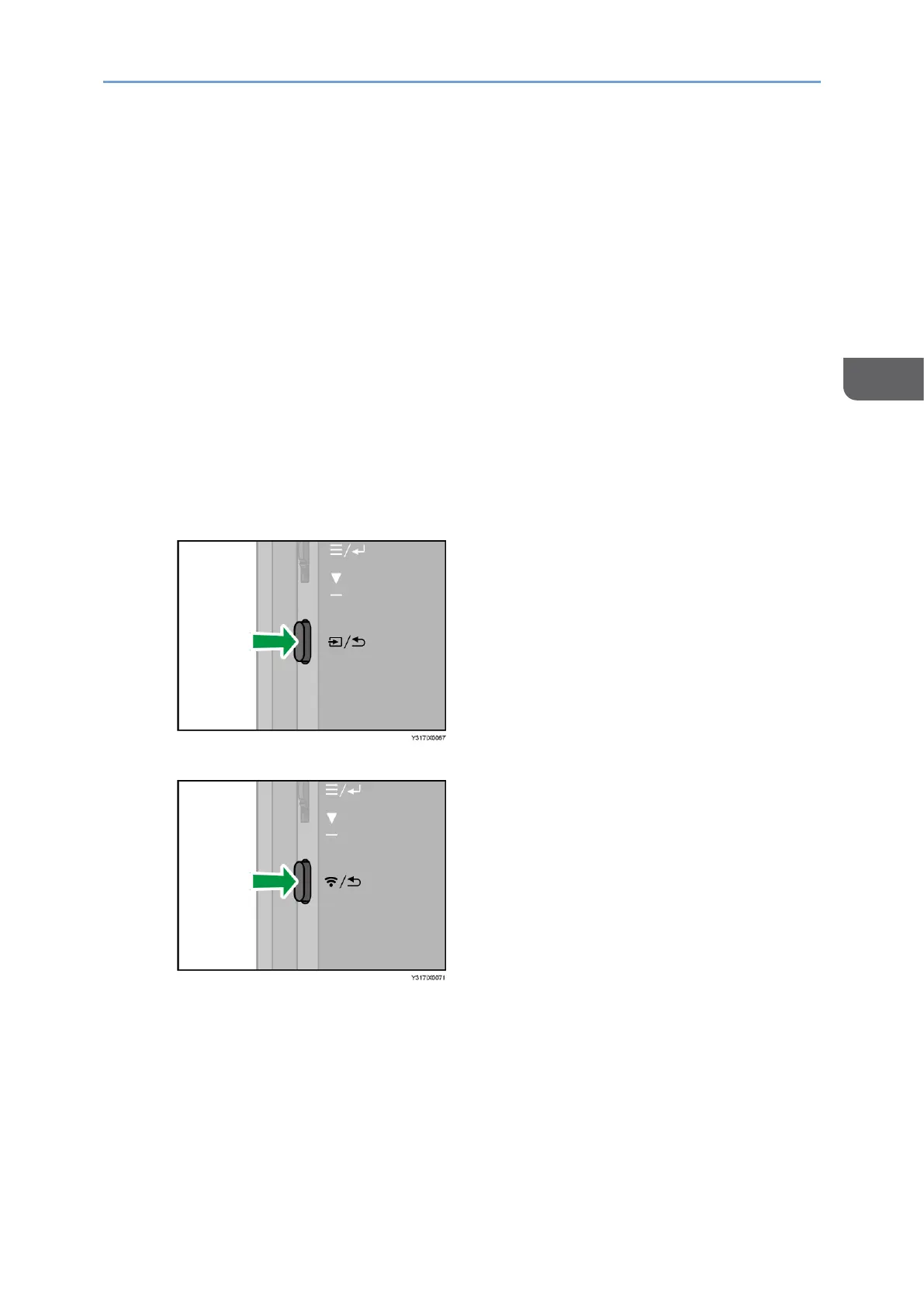
1. Press the Switching Input/Back button.
• 150 model
• 150BW model
The Switching Input screen appears.










 To Next Page