5. Connecting the Device via
Wireless Connection (150BW
models only)
This section explains how to connect this machine to a device such as a computer or
smartphone via a wireless connection to display and playback video and audio from the
device on this machine.
Overview of Wireless Connection
• Be careful where the equipment is installed, so as to prevent unauthorized
tampering by any malicious third party.
To connect the device via a wireless connection, you can use the following methods:
• page 43 "Using OS Functions to Connect Directly to Devices"
• page 44 "Using the Application to Connect to Devices in the Same Network"
• page 45 "Using the Application to Connect to Multiple RICOH Monitors at the Same
Time"
The connection method can be selected according to the OS of the device to be
connected and the purpose thereof.
Using OS Functions to Connect Directly to Devices
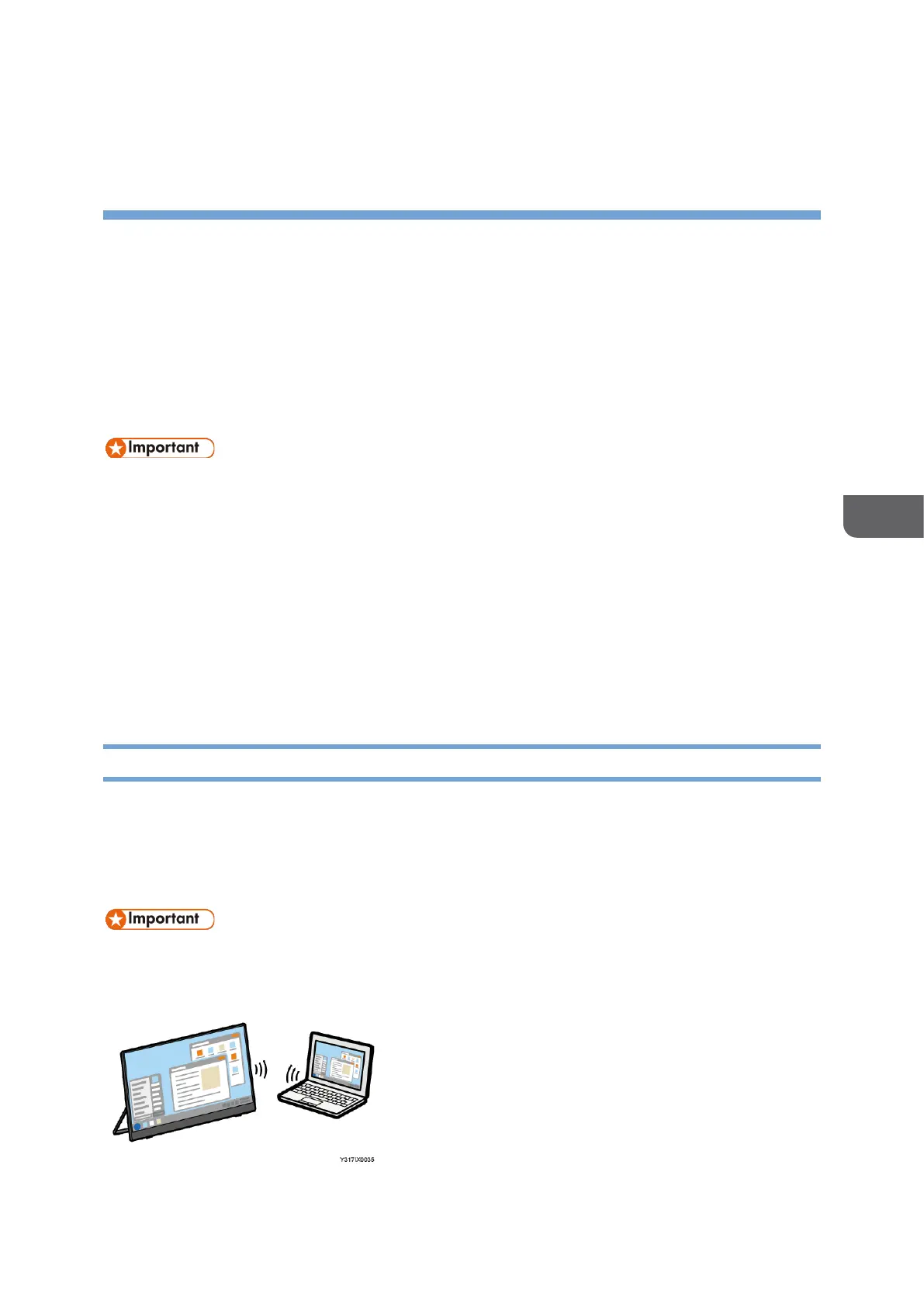
You can connect the machine directly to a device using Wi-Fi Direct without going
through an access point.
For details about supported operating systems, see Supported OS, a separately provided
manual.
• The device to be connected must support Miracast.
It is not necessary to set up Wi-Fi on this machine.










 To Next Page