9. Appendix
This section describes how to operate the stylus pen (optional), how to care for this
machine, contact information, trademarks, etc.
Using a Stylus Pen
The optional RICOH Monitor Stylus Pen Type 1 (stylus pen) can be used to perform stylus
pen operations on this machine.
Method of use
Once a battery is set in the stylus pen, it can be used immediately with this machine.
There is no need to turn ON the stylus pen or to connect it to this machine.
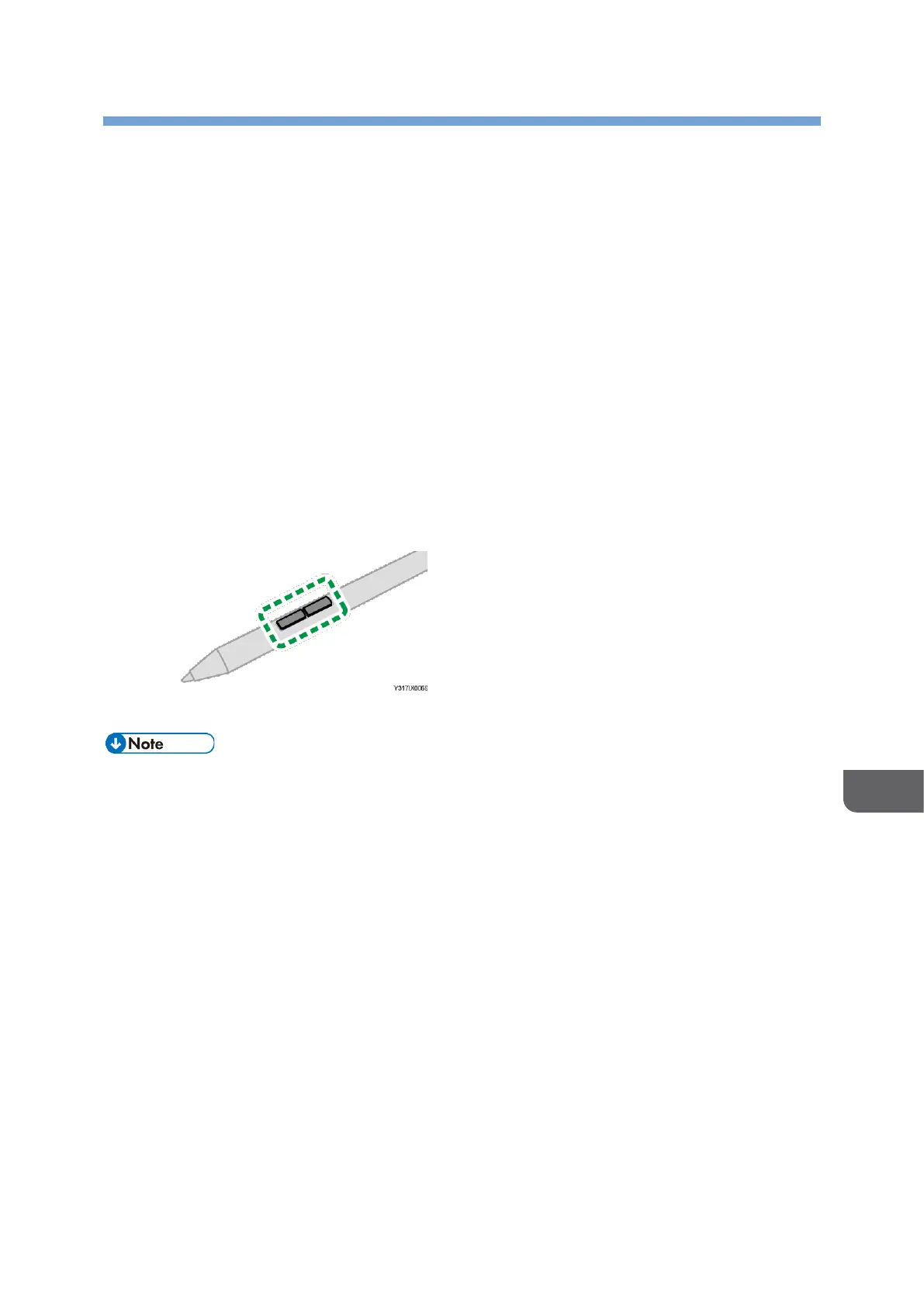
Function buttons
The stylus pen has two function buttons.
The action when the function button is pressed depends on the application used.
• Before using the stylus pen, be sure to read the "Safety Information" in the "Read
This First", which comes with the stylus pen.
• For details about how to set the battery, see "Inserting/Removing the Battery
into/from the Stylus Pen" in the "Read This First", which comes with the stylus pen.










 To Next Page