Things You Can Do with the Machine
Things That You Can Do with All Models
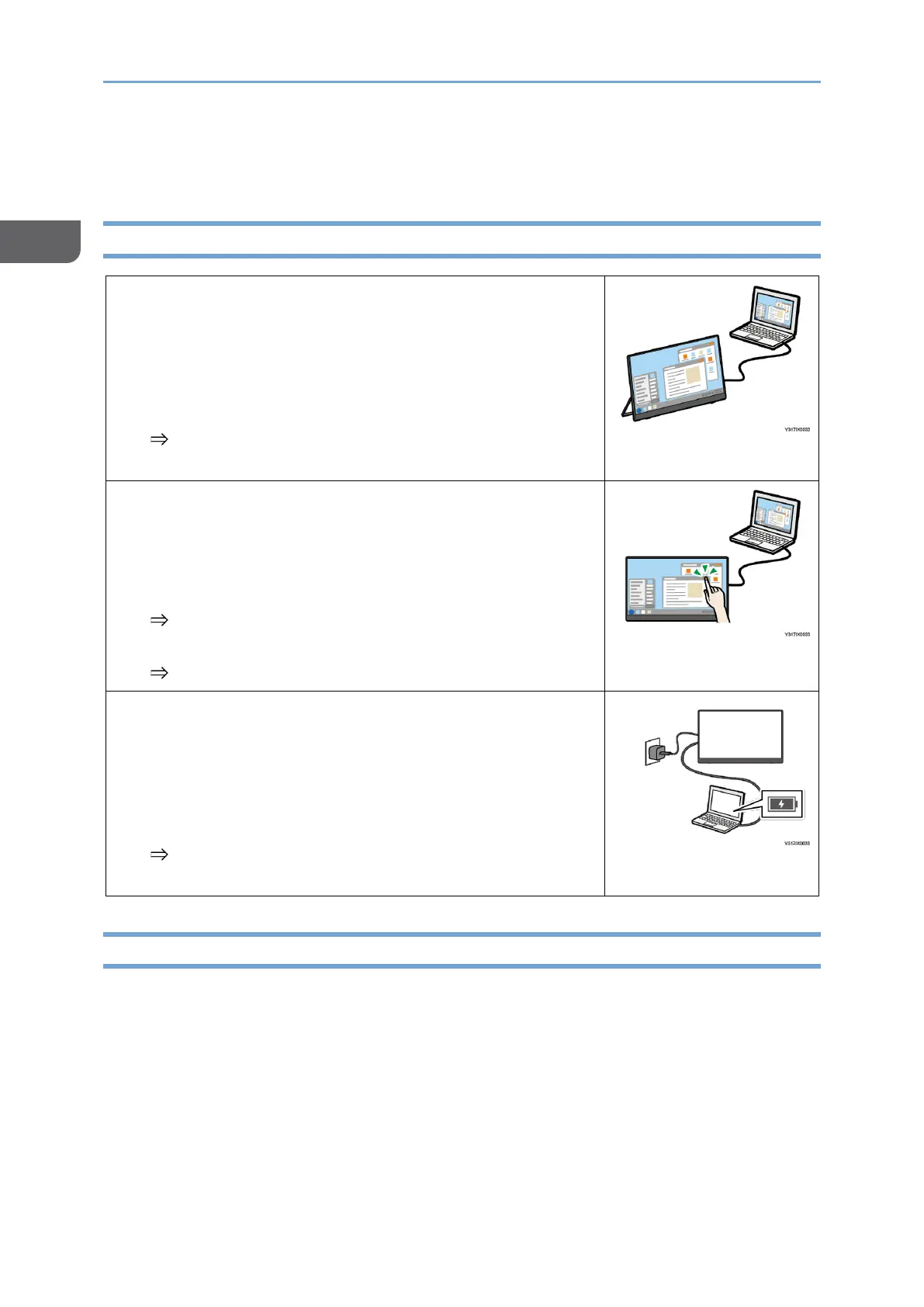
Connecting to a computer or another device to
display the screen
Connect this machine to a computer, smartphone, or
another device with a USB Type-C cable to display the
device's screen.
page 37 "Connecting the Device via Wired
Connection"
Operating the screen of a connected device
When connected to a device that supports touch
operation, you can use your finger or stylus pen
(optional) to operate the screen from this machine.
page 37 "Connecting the Device via Wired
Connection"
page 165 "Using a Stylus Pen"
Charging connected devices (pass-through
charging)
A commercially available USB PD charger can be used
to charge devices connected to this machine with a
USB Type-C cable.
page 105 "Charging a Device Connected to This
Machine (Pass-through Charging)"
Things That You Can Do with the 150BW Model










 To Next Page