2. Operate this machine according to the purpose.
The following functions are available depending on the OS of the connected device:
Windows
• Video display/audio playback
• Touch operation
• Stylus pen operation (optional)
macOS
• Video display/audio playback
• Two devices can be connected to this machine simultaneously using USB port 1 and
USB port 2, but only one of the devices can be selected as the input method and
displayed on this machine. If you manually switch the input method, you can switch
to the screen of the other device. For details, see page 31 "Switching Inputs".
iOS
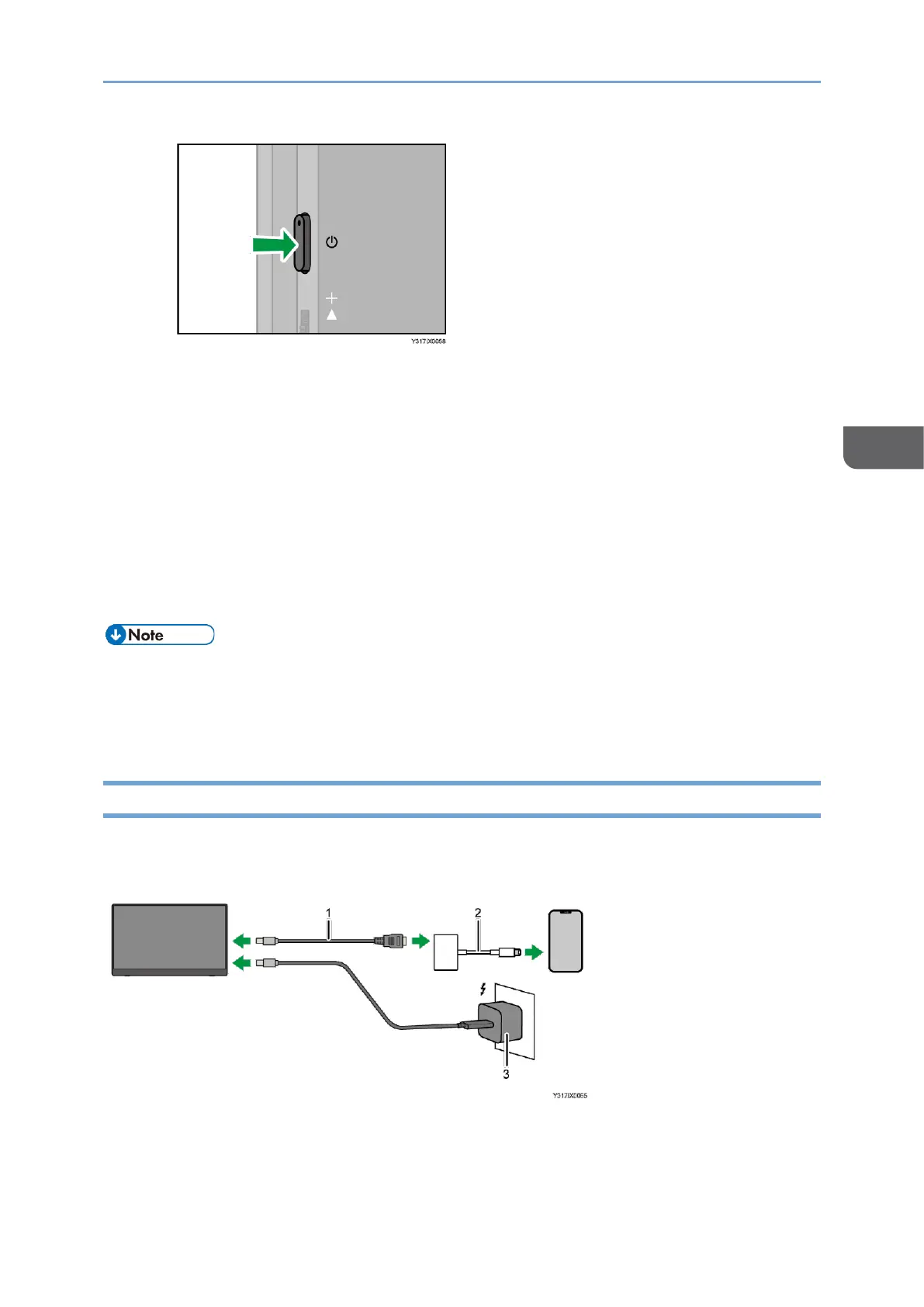
To connect to an iOS device equipped with a Lightning port, you need the following
equipment, which is common for 150/150BW models:










 To Next Page