Ending a Connection
Disconnecting from This Machine
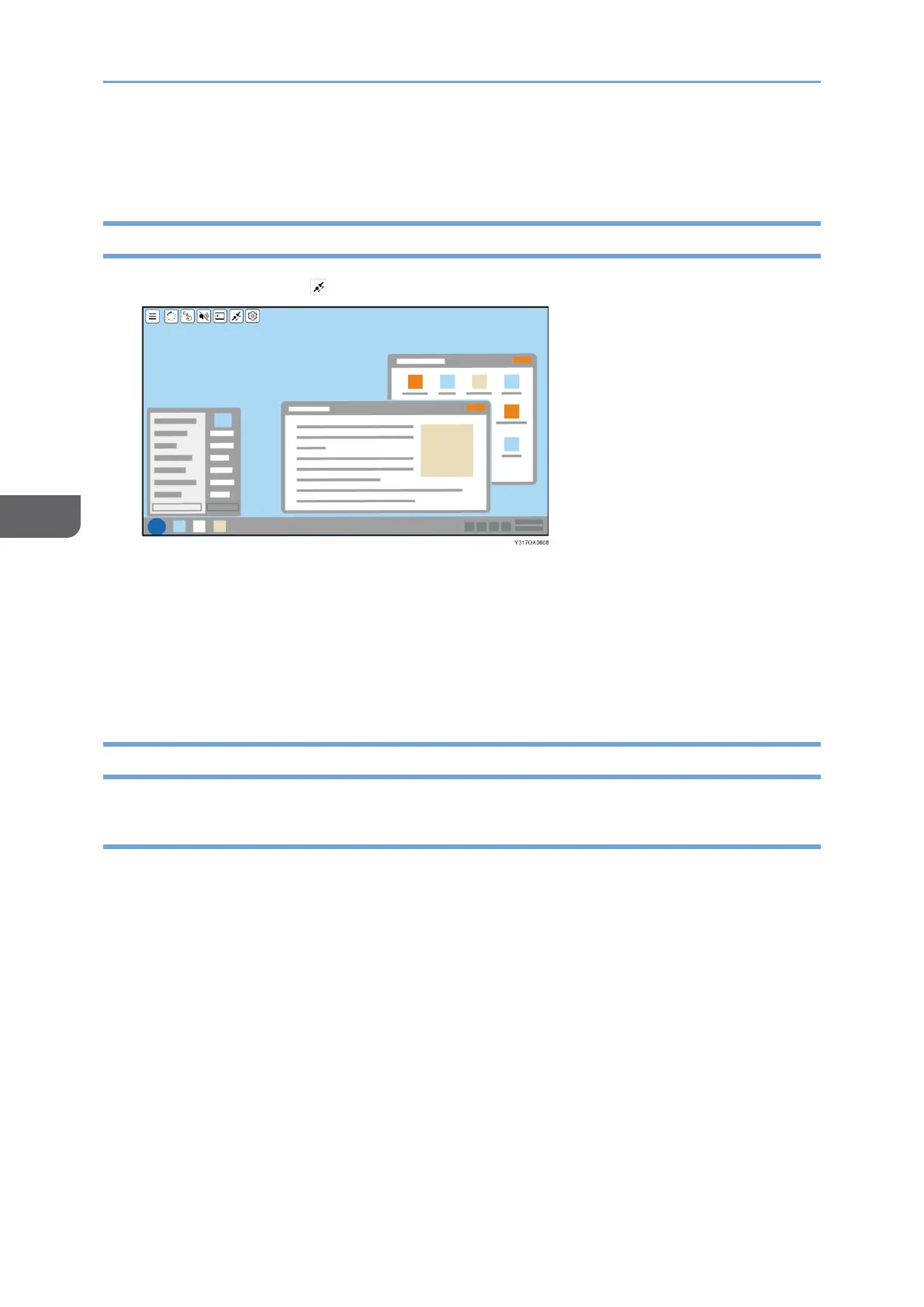
1. Touch [Disconnect] ( ) on the Connecting screen.
The connection is disconnected.
Depending on the OS or application used, a disconnection message might appear on
the device side. Close the message or close the application according to the
displayed content.
When using RICOH Monitor Mirroring for iOS, after tapping [OK] in the message, a
screen broadcast appears. Tap [Stop Broadcast].
Disconnecting from a Device
Disconnecting from Windows
1. Display the Connect/Cast screen in Windows.
• When using Windows 10
1. Click the Action Center icon on the right end of the taskbar.
The Action Center appears.
2. Click [Connect].
When using the shortcut keys, press the "Windows logo key" (Start key) and the
"K" key on the keyboard at the same time.
• When using Windows 11
1. Click the Network, Volume, or Battery icon on the taskbar.
Quick Settings appears.










 To Next Page