Using the Application to Connect to
Devices in the Same Network
(macOS/iOS)
Use RICOH Monitor Mirroring for macOS or RICOH Monitor Mirroring for iOS to connect to
devices in the same network as this machine via an access point.
• This machine and the device must be connected to the same network (same
subnet).
When Connecting for the First Time
The Wi-Fi settings on this machine must be configured in order to connect. If you have
not set up Wi-Fi on this machine, perform the following operations first:
• Settings cannot be changed when this machine is connected to a device via a
wireless connection. Be sure to change the settings when the device is not
connected via wireless connection.
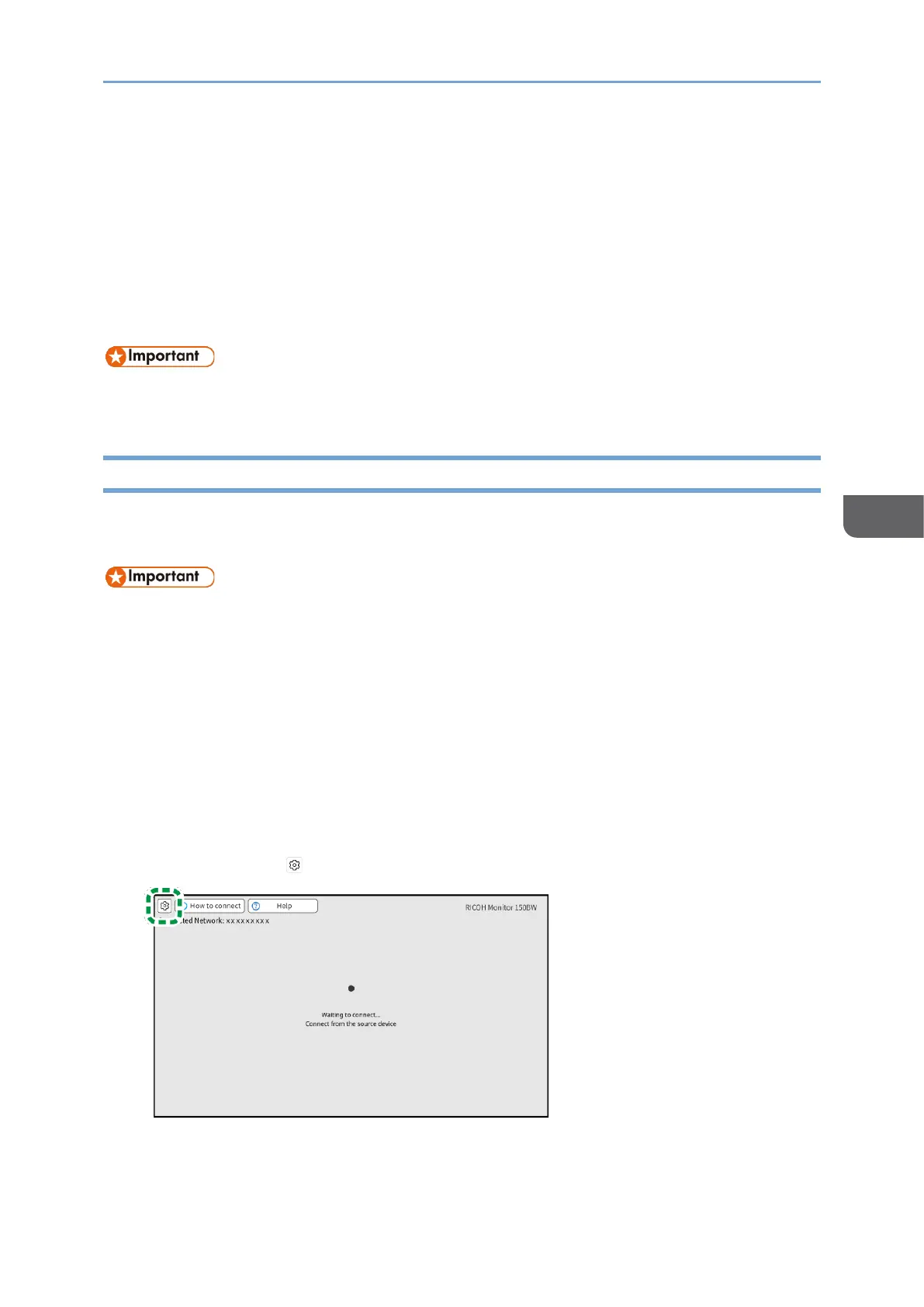
1. Turn ON this machine and confirm that the Waiting to Connect screen is
displayed.
For details about how to turn ON the machine, see page 29 "Turning On and Off the
Power".
If the Waiting to Connect screen does not appear after turning ON the machine, set
the Switching Input to [Wireless Connection]. For details, see page 31 "Switching
Inputs".
2. Touch [Settings] ( ).










 To Next Page