Connecting to a Device
Windows/macOS
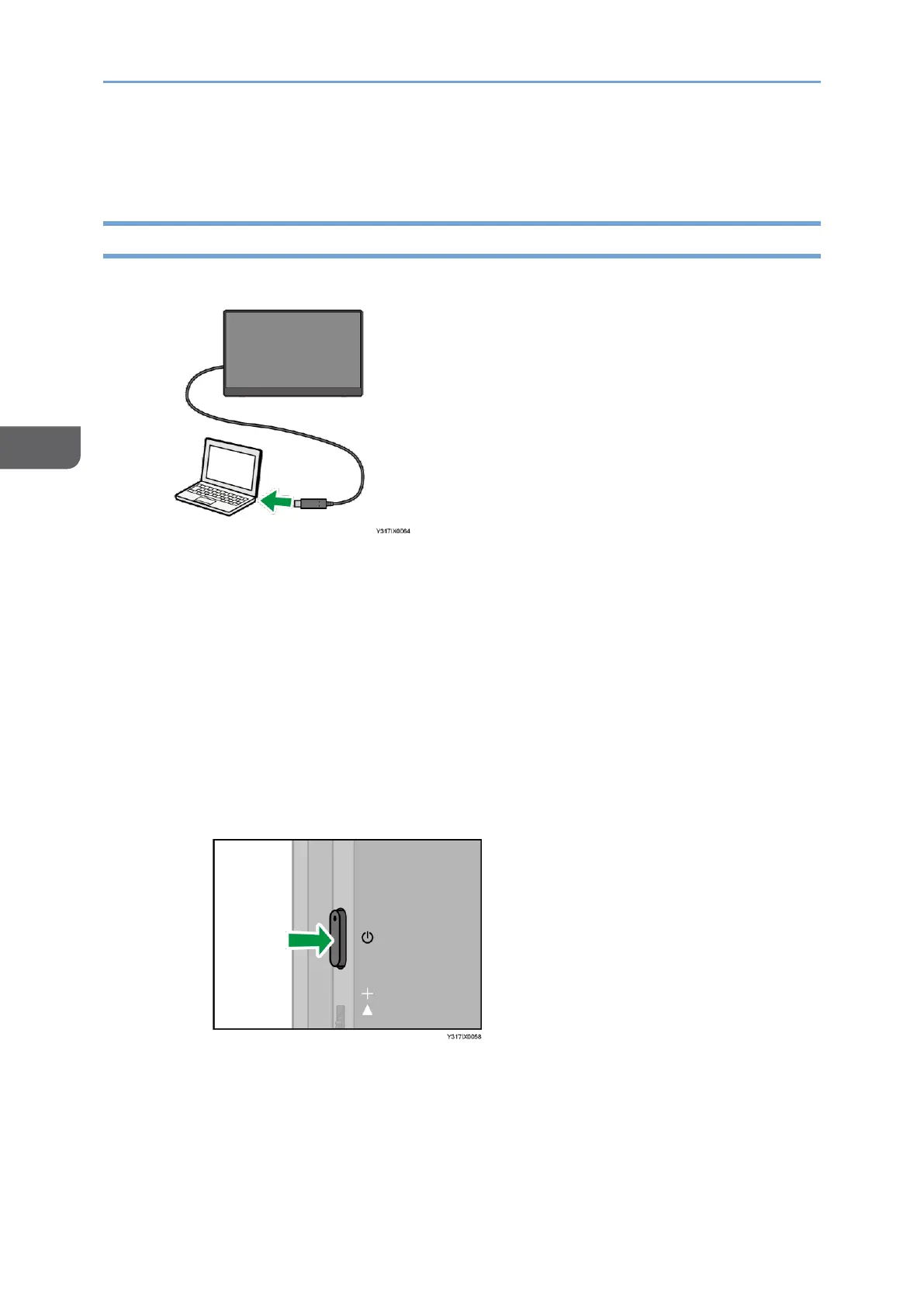
1. Connect the USB Type-C cable to the device.
When using the 150 model
• When the connected device is turned ON
This machine automatically turns ON.
• When the connected device is turned OFF
When the device is turned ON, this machine automatically turns ON.
• When this machine is connected to a device that supports the USB PD
standard or to a USB PD charger, and when the power of this machine is
turned OFF
This machine does not turn ON automatically regardless of the power
status of the connected device. Press the power button on this machine.
When using the 150BW model
Press the power button on this machine after connecting to the device.










 To Next Page