Things You Can Do on the Connecting
Screen
This section describes the functions available on the Connecting screen.
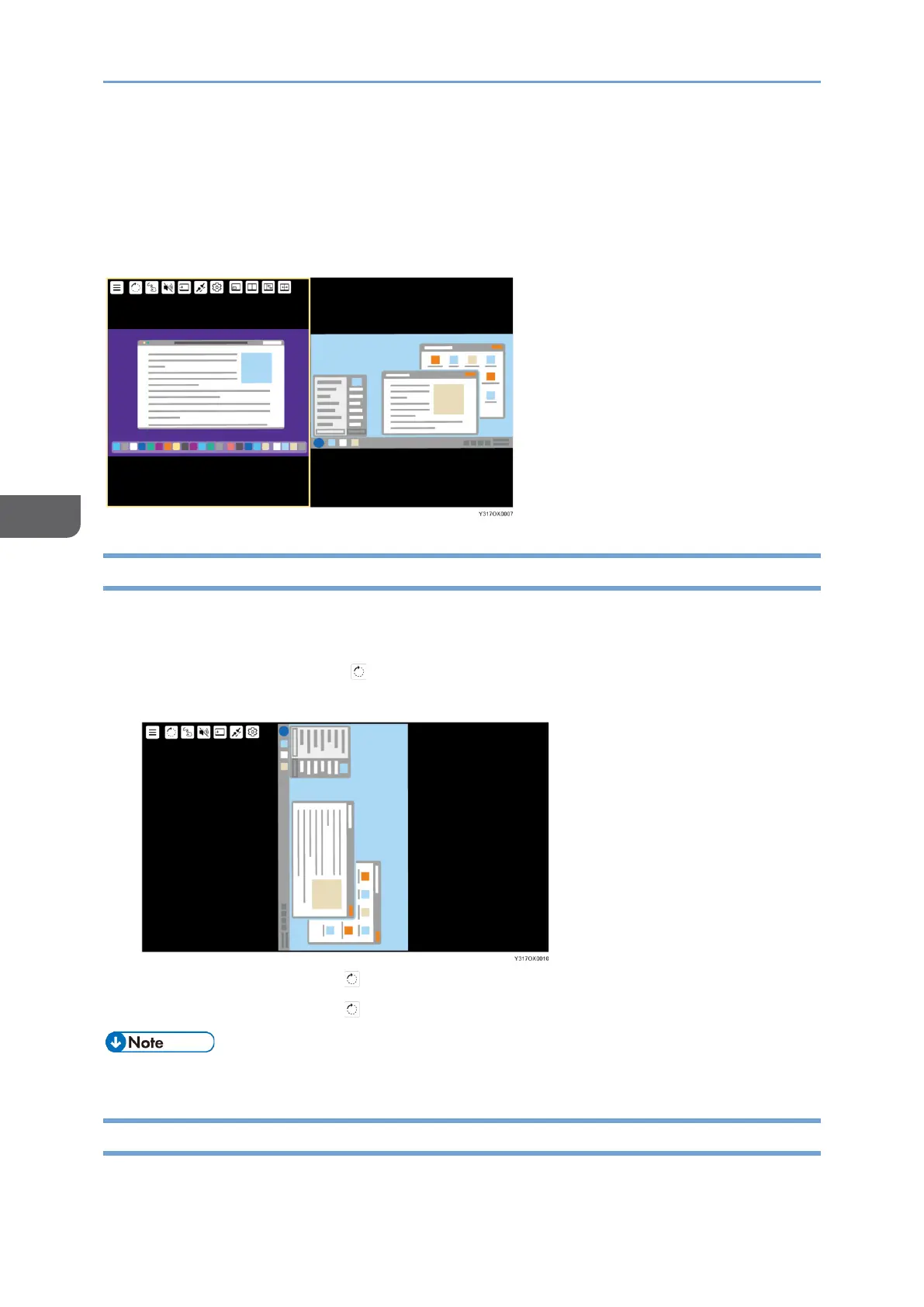
Rotating the Screen
You can rotate the screen display of this machine according to the size of the screen of
the connected device or the usage purpose of this machine.
1. Touch [Screen Rotation] ( ).
The displayed screen rotates 90° clockwise.
Touch [Screen Rotation] ( ) to change the screen orientation as needed.
Touch [Screen Rotation] ( ) four times to return to the original display.
• The menu orientation does not change when the screen is rotated.
Displaying the Touched Traces
You can display the traces of touch operation or stylus pen operation.










 To Next Page