3. Basic Usage
Operation Flow
The basic operation flow of this machine is as follows:
1. Remove this machine from its sleeve case.
2. Open the stand and adjust the angle.
page 27 "Using the Stand"
3. Connect it to a computer, smartphone, or another device.
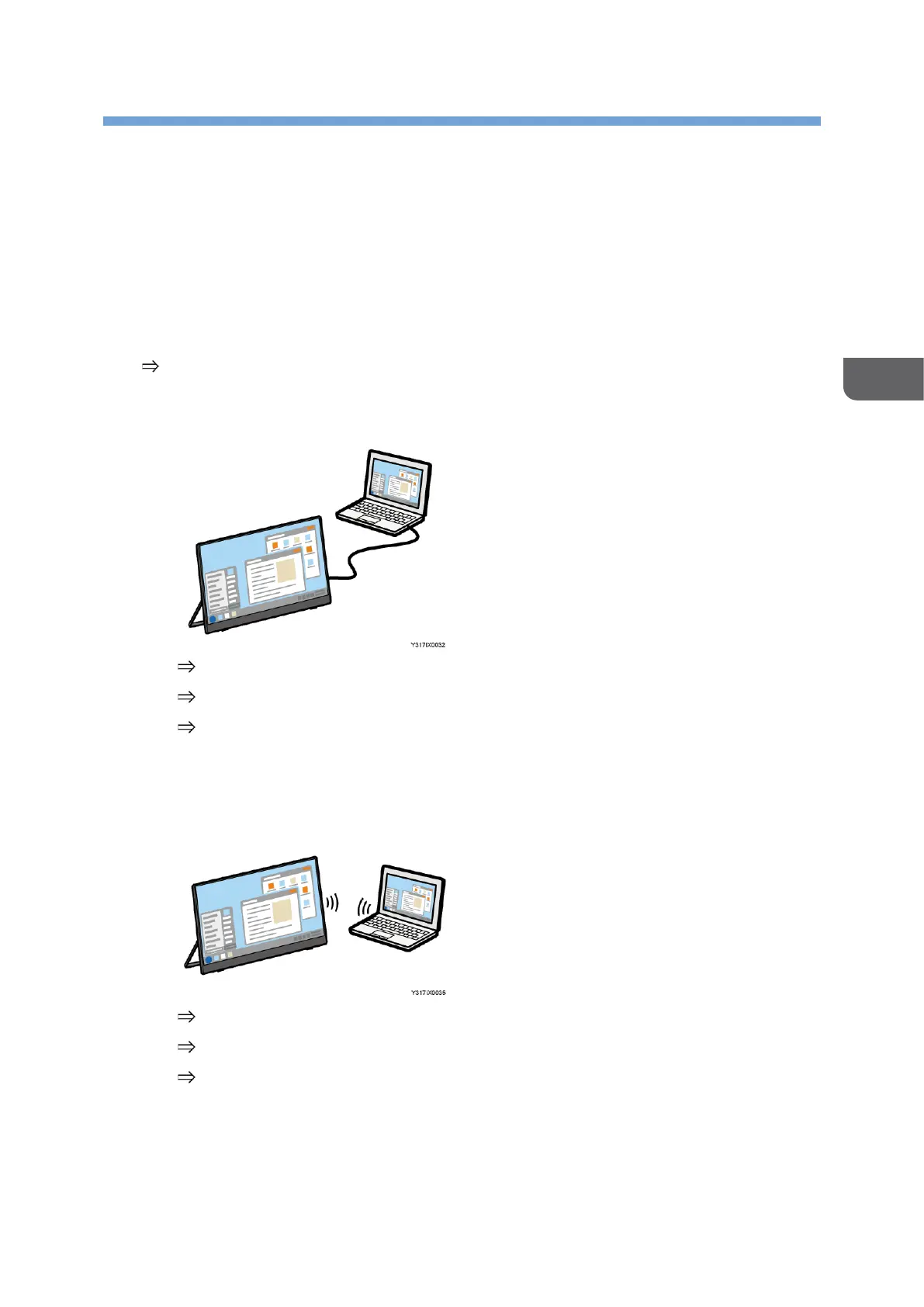
• When connecting via a wired connection to a device
page 29 "Turning On and Off the Power"
page 31 "Switching Inputs"
page 37 "Connecting the Device via Wired Connection"
• When connecting via a wireless connection to a device (150BW models only)
When using the wireless connection for the first time, it is necessary to change
to [Wireless Connection] on the Switching Input screen.
page 29 "Turning On and Off the Power"
page 31 "Switching Inputs"
page 43 "Connecting the Device via Wireless Connection (150BW models
only)"
4. Operate this machine.
The things that you can do vary depending on the OS of the connected device.










 To Next Page