When Using the Wireless Connection for
the First Time (150BW models only)
Changing the Initial Settings
When using the wireless connection for the first time, a screen for the initial settings of
the device is displayed.
• To continue from the procedure described in the Quick Guide, a separately provided
manual, proceed from step 4.
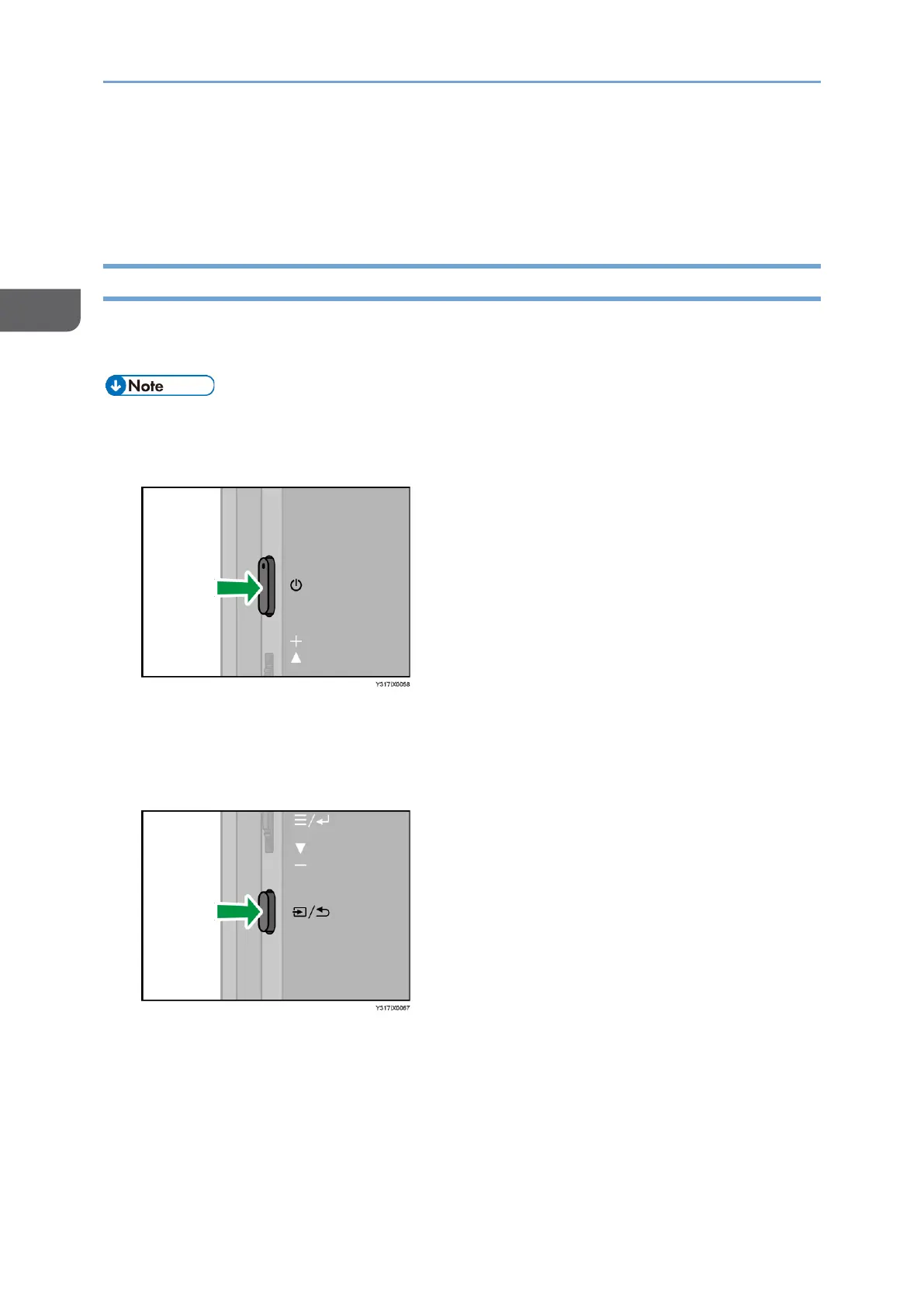
1. Press the Power button.
The power LED turns ON white, and the machine starts up.
If the power does not turn ON, charge this machine. For details, see page 20
"Charging This Machine (150BW Model Only)".
2. Switching Input/Back button
The Switching Input screen appears.










 To Next Page