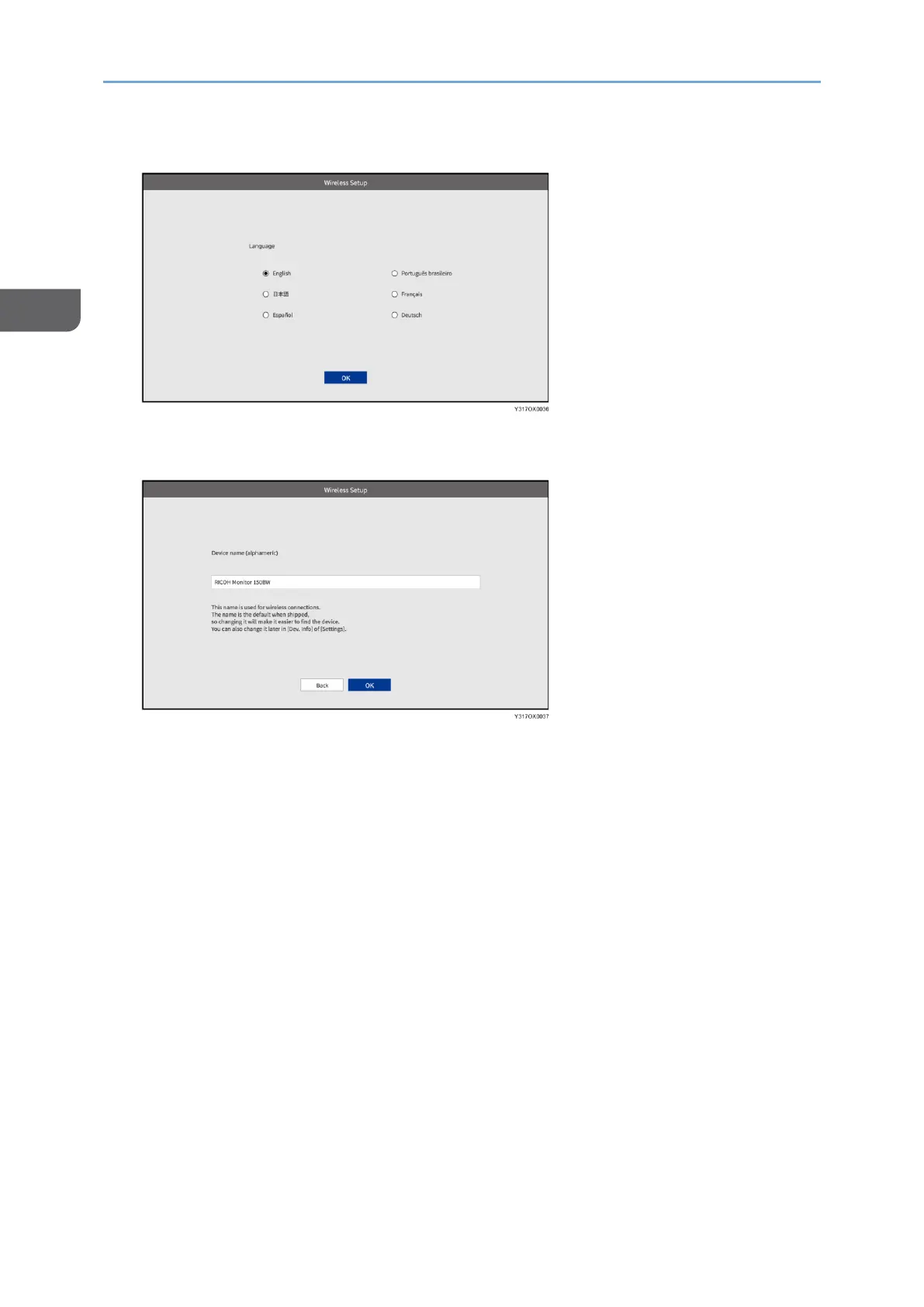
5. Select the language if necessary, and then touch [OK].
6. Change the device name if necessary, and then touch [OK].
Enter the device name using four to 30 single-byte alphanumeric characters.
The initial settings are completed, and the Waiting to Connect screen appears.
To continue with the wireless connection, proceed to page 43 "Connecting the
Device via Wireless Connection (150BW models only)".










 To Next Page