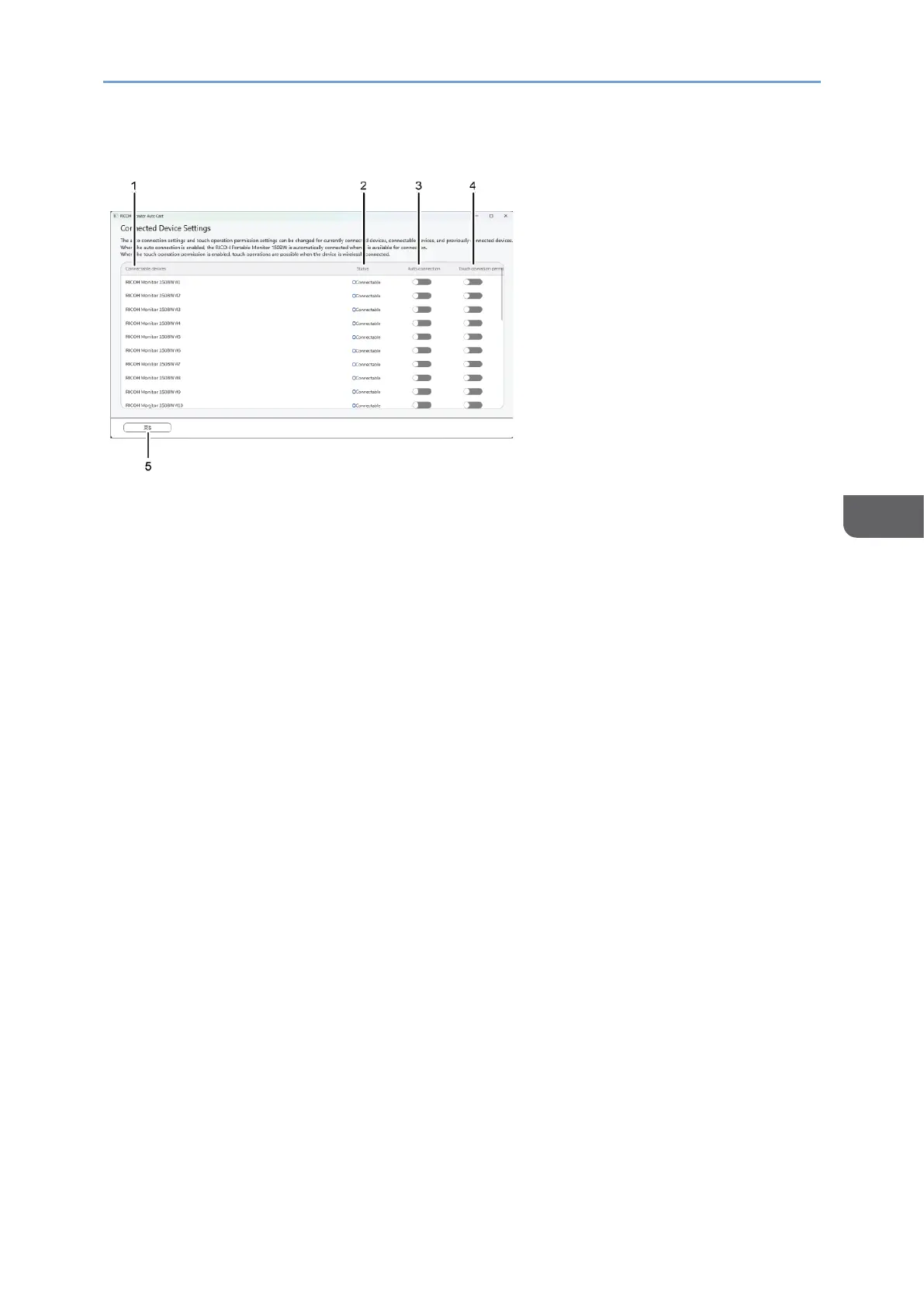
Description of the Connected Device Settings screen
1. Connectable devices
Displays the names of currently connected RICOH Monitors, connectable RICOH
Monitors, and previously connected RICOH Monitors
2. Status
Displays the connection status of RICOH Monitors
3. Auto connection
Toggles the auto connection enable / disable
When specifying the auto connection to enable, the connectable RICOH Monitors
start to wirelessly connect to the device. Only one RICOH Monitor can communicate
at a once.
4. Touch operation permission
Toggles the touch operation or stylus pen operation permission enable / disable
The permitted RICOH Monitor can be changed at any time.
5. [Back]
Returns to the "Select Devices for Mirroring" screen










 To Next Page