1. HDMI to USB Type-C conversion cable
2. Apple conversion adapter "Lightning Digital AV Adapter" (conversion adapter)
3. USB PD charger with an output of 15 W or more
Follow the steps below to connect this machine to a device.
1. Connect the conversion adapter to the device.
2. Connect the supplied USB Type-C cable to a USB PD charger with an output of 15
W or higher.
3. Connect the USB Type-C cable to this machine.
4. Plug the USB PD charger into an electrical outlet.
5. Connect the HDMI to USB Type-C conversion cable to the HDMI port on the
conversion adapter.
6. Connect the HDMI to USB Type-C conversion cable to this machine.
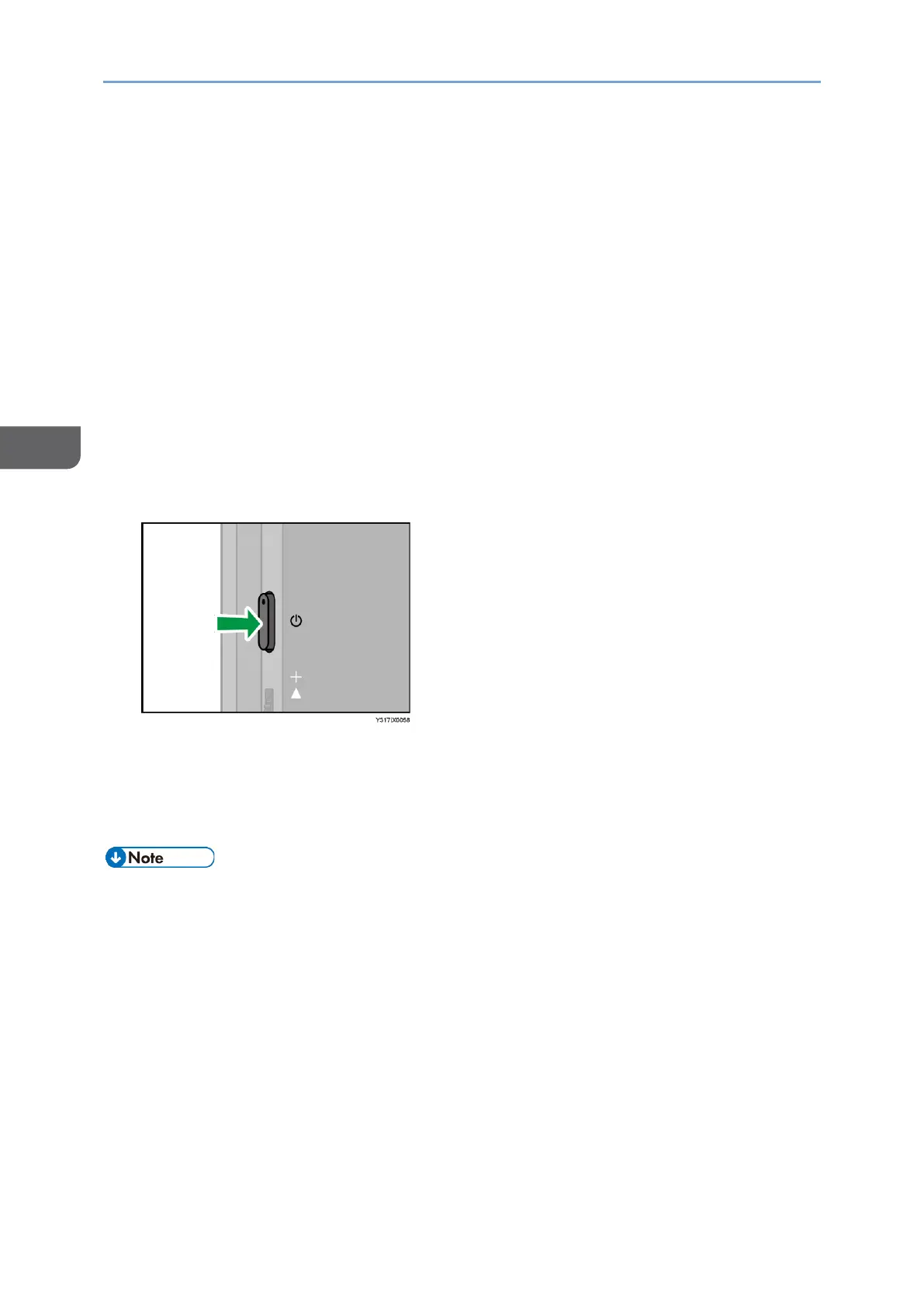
7. Press the Power button.
This machine turns ON, and the screen of the connected device appears on the
screen.
8. Operate this machine according to the purpose.
Video display/audio playback is available on iOS.
• A USB PD charger with an output of 15 W or more is required to use the conversion
adapter and conversion cable; be sure to connect the USB PD charger to this
machine, even if you are using the 150BW model.










 To Next Page