Things You Can Do with the Machine
11
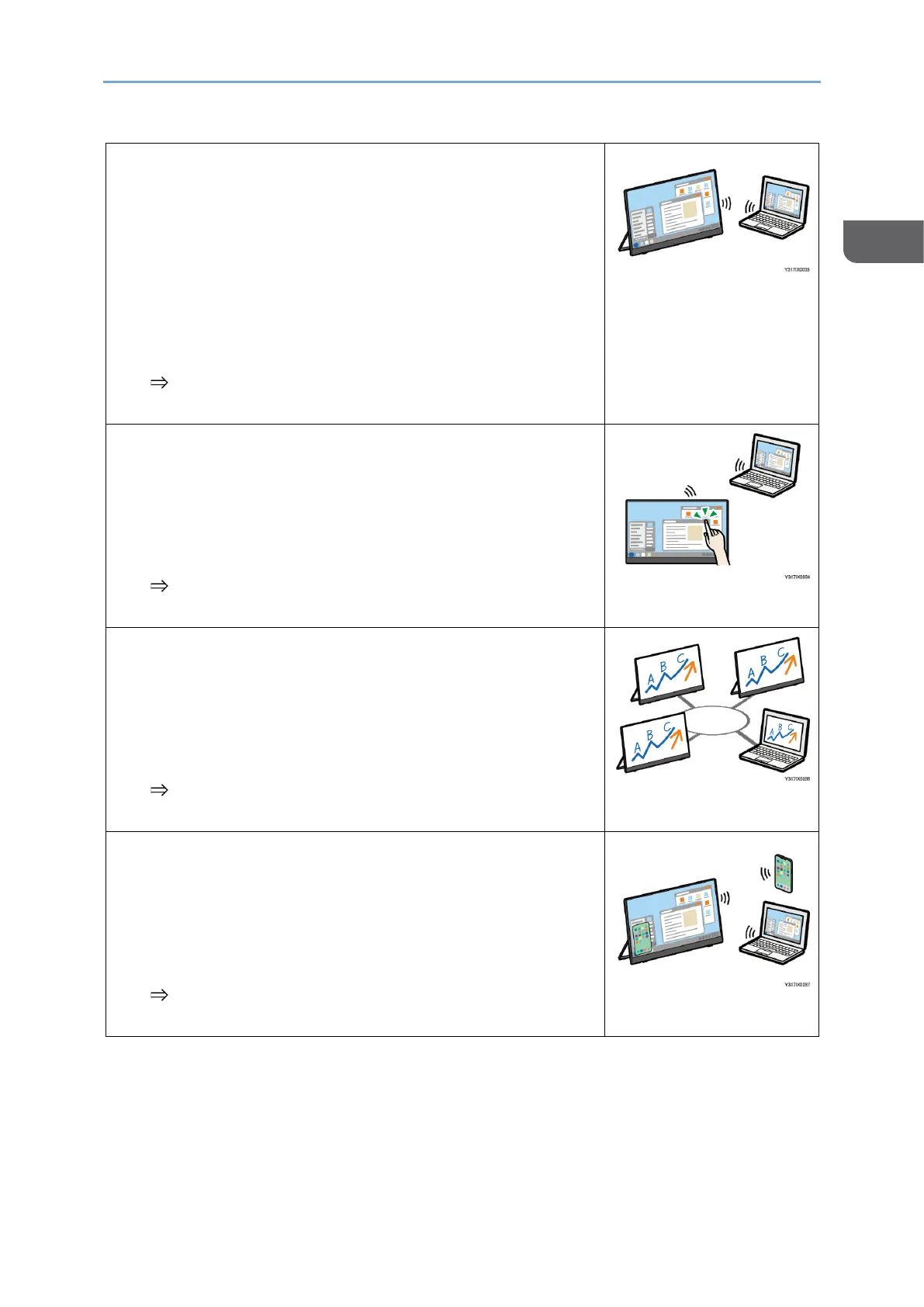
Connecting to a computer or another device to
display the screen
This machine can be used to connect to a computer,
smartphone, or another device by wireless connection
to display the screen of the device.
Depending on the operating system of the connected
device, wireless connection is available by using an
application.
page 43 "Connecting the Device via Wireless
Connection (150BW models only)"
Operating the screen of a connected device
When connected to a device with an OS that supports
touch operation via wireless connection, the device can
be operated with a finger or stylus pen (optional) from
this machine.
page 43 "Connecting the Device via Wireless
Connection (150BW models only)"
Broadcasting the screen of connected devices
(Windows only)
An application can be used to broadcast the Windows
screen to multiple RICOH Monitors connected via the
wireless connection.
page 67 "Using the Application to Connect to Multiple
RICOH Monitors at the Same Time (Windows)"
Connecting to two devices and displaying their
screens
This machine can be connected to two devices by
wireless connection to display the screens of both
devices at the same time.
page 86 "Things You Can Do on the Connecting
Screen"










 To Next Page