When You Cannot Use the Machine As You Want
141
Screen does not
switch
automatically
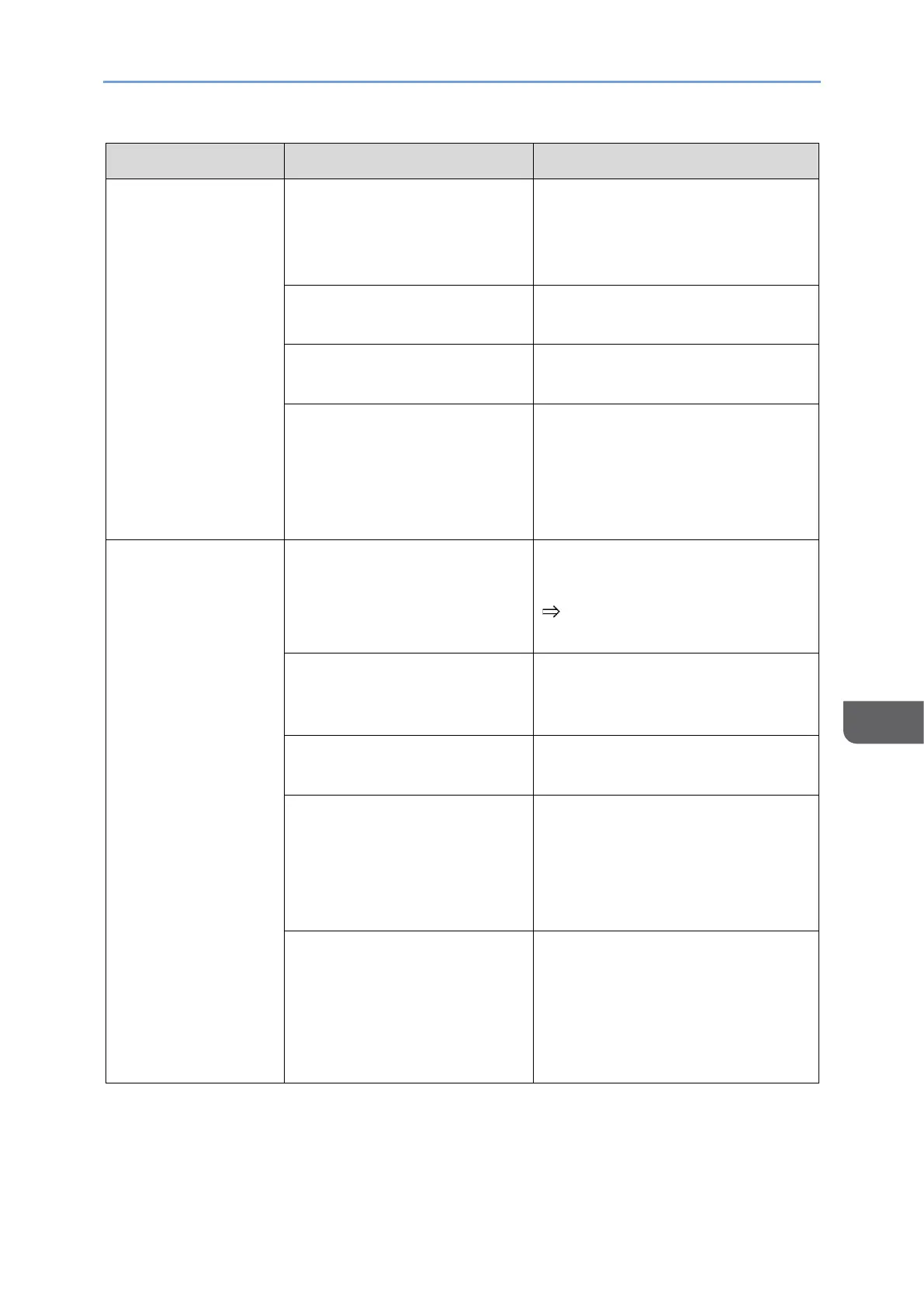
The condition that the input
method switches
automatically is not met.
For details about the conditions
under which the input method
switches automatically, see page
31 "Switching Inputs".
There is a problem with the
connected device.
USB Type-C cable is
damaged.
Replace the USB Type-C cable.
• A charger that is not
supported by this
machine is used.
• There is a problem with
the USB PD charger.
Replace the USB PD charger.
The brightness of this
machine is set low.
Change the brightness setting in
the On-screen Display menu.
page 114 "Setting Items in the
On-screen Display Menu"
Insufficient power is being
supplied to this machine
from the connected device.
Connect this machine to a USB
PD charger.
The original image is
darkened.
Check the video brightness on
the device side.
USB Type-A to USB Type-C
conversion cable is being
used.
This machine cannot be used
with a Type-C conversion cable
from a USB Type-A port.
Use a cable with only USB Type-
C cable terminals.
Insufficient power is being
supplied to this machine
from the USB PD charger
being used.
Brightness could be limited
depending on the combination of
the connected device and USB
PD charger. Replace with a USB
PD charger with an output of 45
W or higher.










 To Next Page