For details, see page 29 "Turning On and Off the Power".
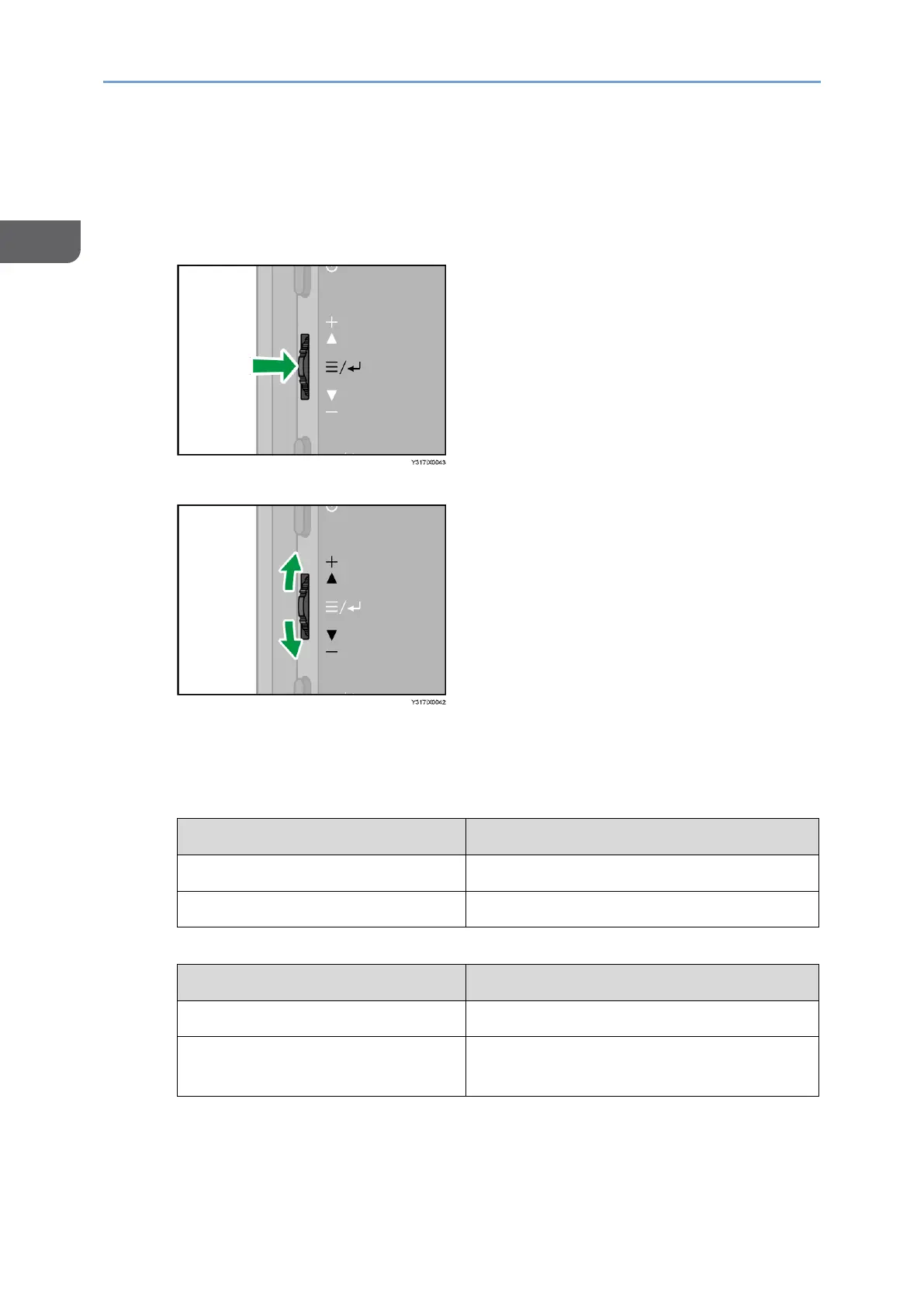
3. Menu/Select/Enter button
The Menu/Select/Enter button has the following controls:
• Pressing the center of the button
• Sliding the button up or down
The differences in the condition of this machine and the operation of its buttons are
as follows:
• When the On-screen Display menu and Switching Input screen are not
displayed
Pressing the center of the button
Displays the On-screen Display menu
Sliding the button up or down
• When the On-screen Display menu or Switching Input screen is displayed
Pressing the center of the button
Confirms the selected item
Sliding the button up or down
Moves the selection position or changes
the setting value
4. Switching Input/Back button
This displays the Switching Input screen. Press again to close the Switching Input
screen.










 To Next Page