2. Click [Connect].
When using the shortcut keys, press the "Windows logo key" (Start key) and the
"K" key on the keyboard at the same time.
• When using Windows 11
1. Click the Network, Volume, or Battery icon on the taskbar.
Quick Settings appears.
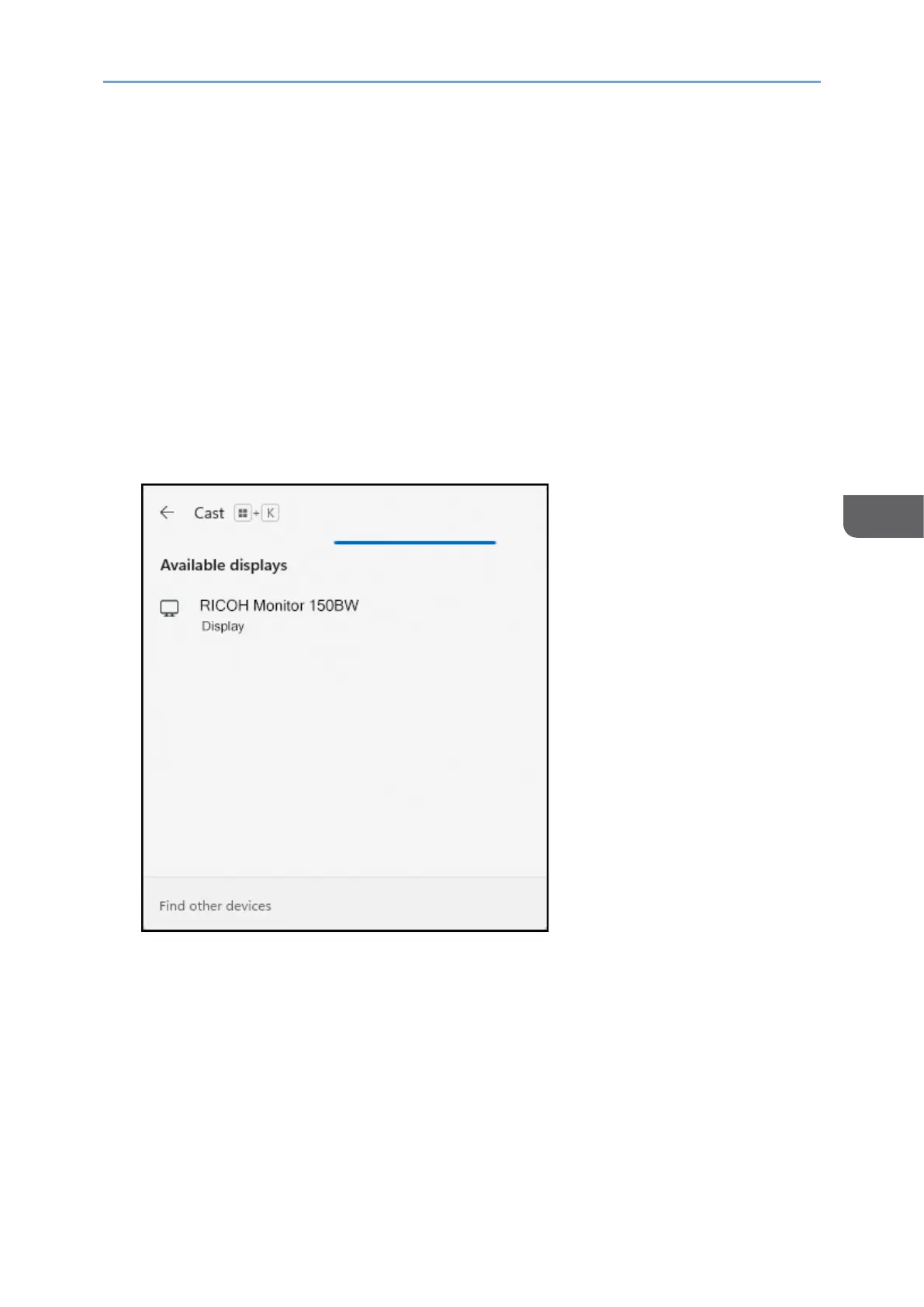
2. Click [Cast].
If [Cast] does not appear, click the Edit Quick Settings icon (pen icon) in
Quick Settings, and then click [Add] and select [Cast].
When using the shortcut keys, press the "Windows logo key" (Start key) and the
"K" key on the keyboard at the same time.
3. Click the device name of the machine that you want to connect.
If Windows successfully communicates with this machine, a message appears on
the machine to confirm whether the connection is allowed or not.
If the device to be connected is already registered in the Connection list of this
machine, the message does not appear. Proceed to step 5.










 To Next Page