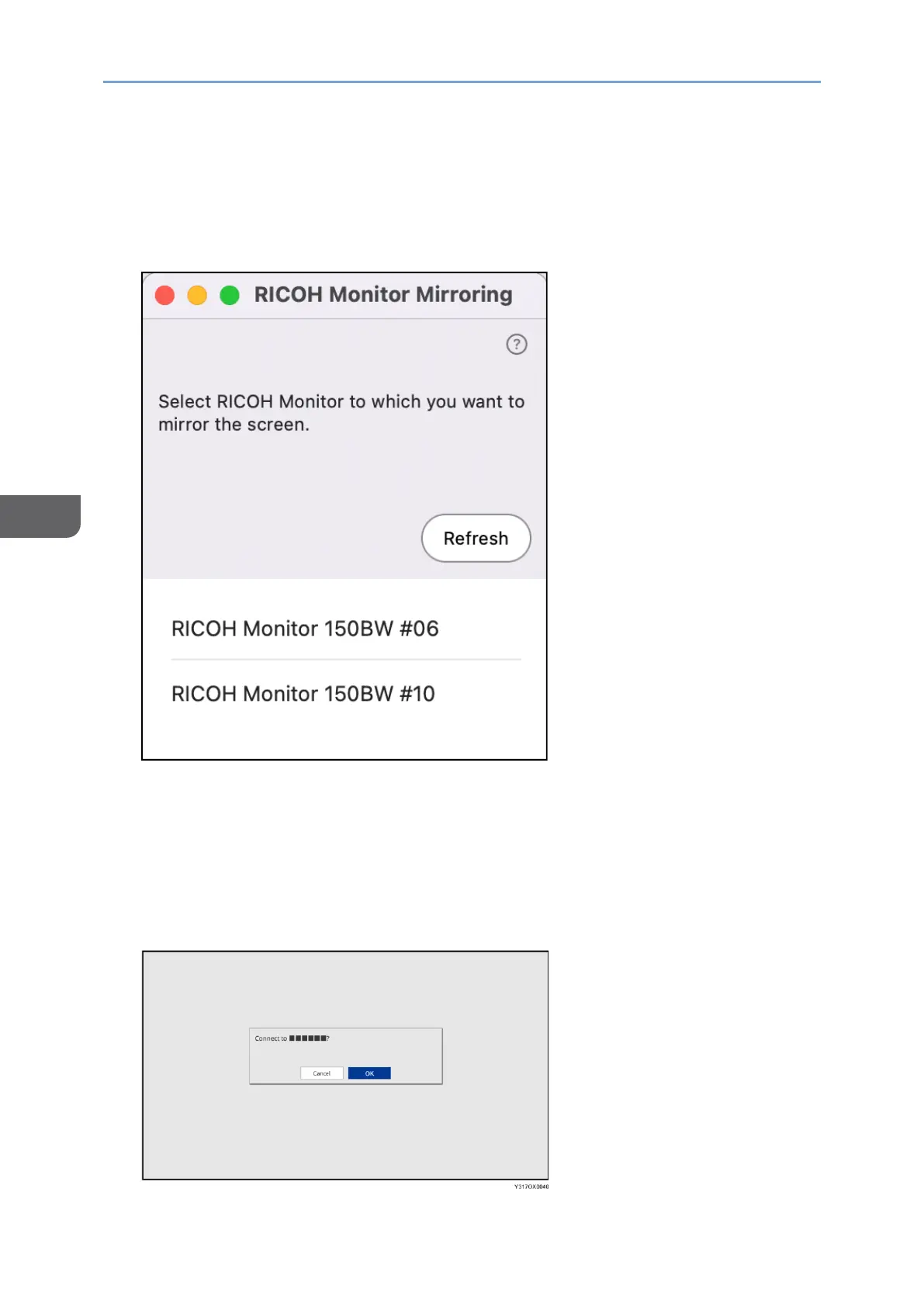
When using RICOH Monitor Mirroring for macOS for the first time, a message will
appear asking if you want to allow screen recording. After confirming the displayed
message and performing the operation to allow it, close RICOH Monitor Mirroring for
macOS and start it again.
3. Click the device name of the machine that you want to connect.
If RICOH Monitor Mirroring for macOS successfully communicates with this
machine, a message appears on the machine to confirm whether the connection is
allowed or not.
If the device to be connected is already registered in the Connection list of this
machine, the message does not appear.
4. Confirm the name of the macOS device to be connected with the message
displayed on this machine, and then touch [OK].










 To Next Page