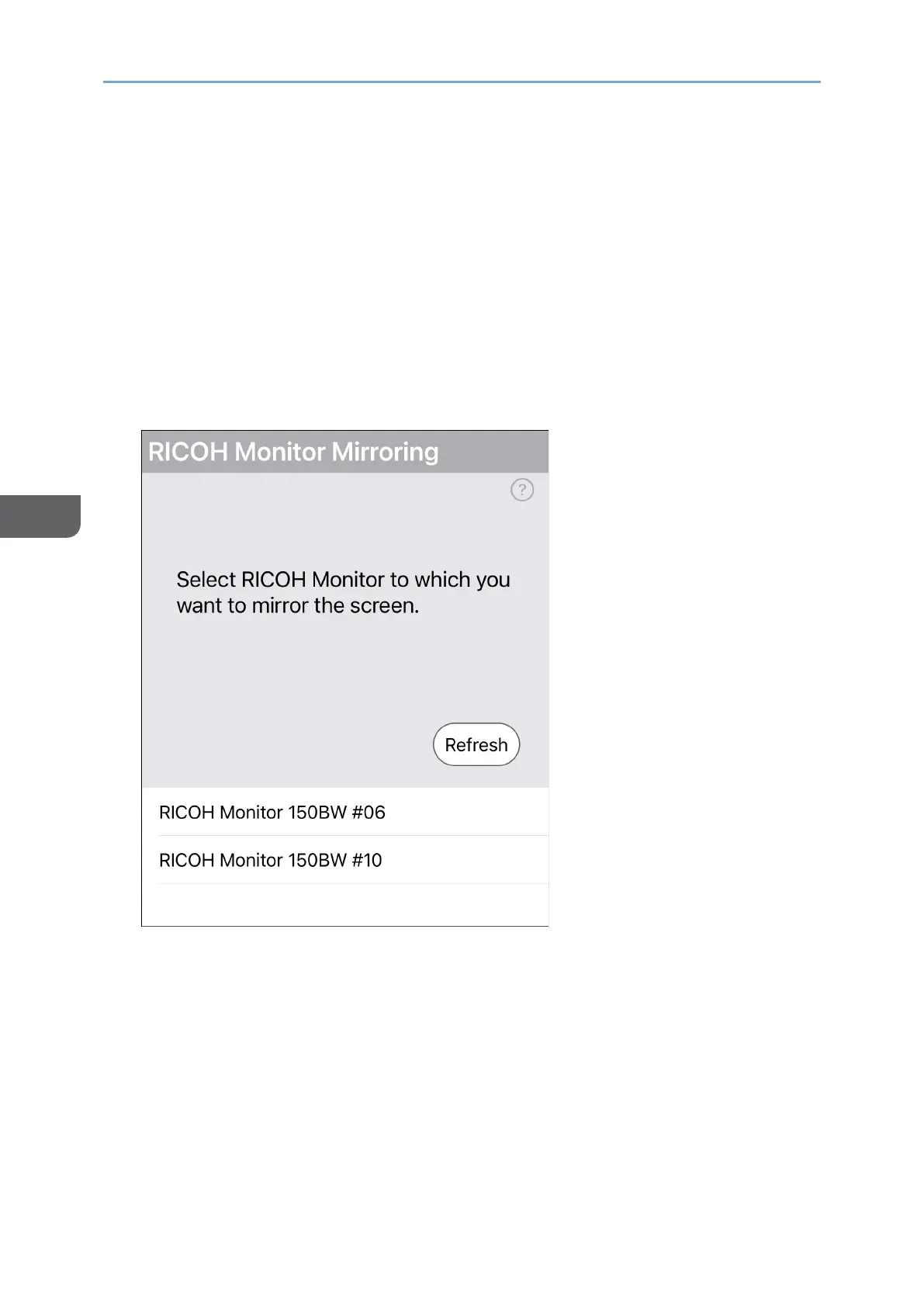
2. Start RICOH Monitor Mirroring for iOS.
When RICOH Monitor Mirroring for iOS starts, the search for RICOH Monitors in the
same network starts, and a list of such is displayed.
When using RICOH Monitor Mirroring for iOS for the first time, the following message
appears:
• Whether or not to allow device search on the local network
Confirm the displayed message, and then tap [OK].
• Whether or not to allow the use of wireless data
Confirm the displayed message, and then tap [WLAN only].
3. Tap the device name of the machine that you want to connect.










 To Next Page