2. To finish the sub-screen display, touch [Sub-screen] ( ) again.
• When both the sub-screen and the split screen are turned OFF, only the active
screen is displayed.
• If the sub-screen is turned ON while the split screen is ON, the split screen is
automatically switched to OFF.
Switching sub-screens
1. Touch the sub-screen.
The screen displayed on the sub-screen becomes the active screen, and the display
is switched.
Changing the display size of the sub-screen
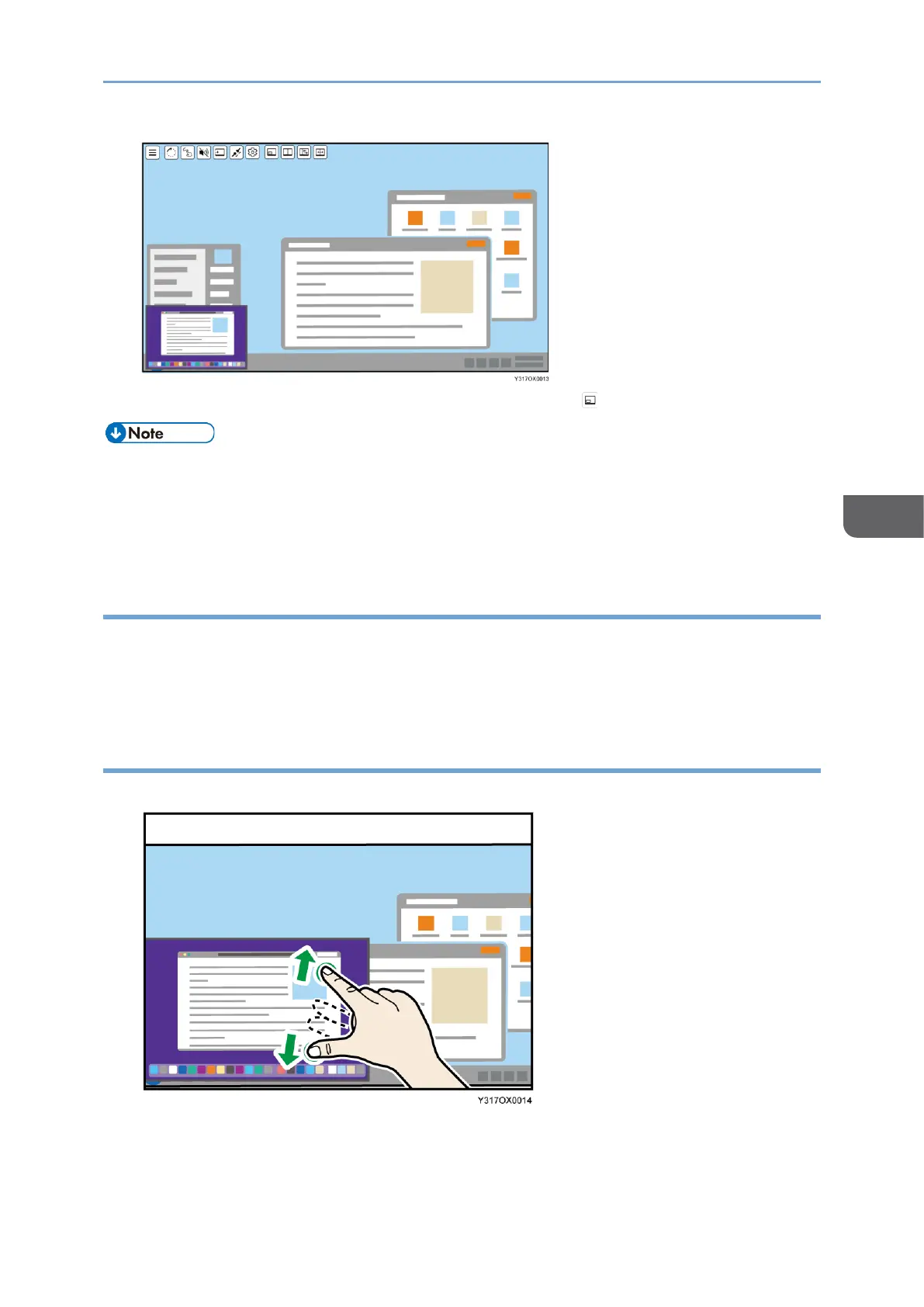
1. Touch the sub-screen with two fingers and spread or pinch them together.
• Enlarging
Increase the distance between the two fingers.
• Reducing










 To Next Page