Depending on the version of Android, the Quick Settings panel can be displayed by
swiping down from the top of the screen.
2. Tap [Stop Casting] or [Disconnect].
Button names could differ depending on the version and model of Android used.
The disconnection message is displayed on the machine and the Waiting to Connect
screen appears.
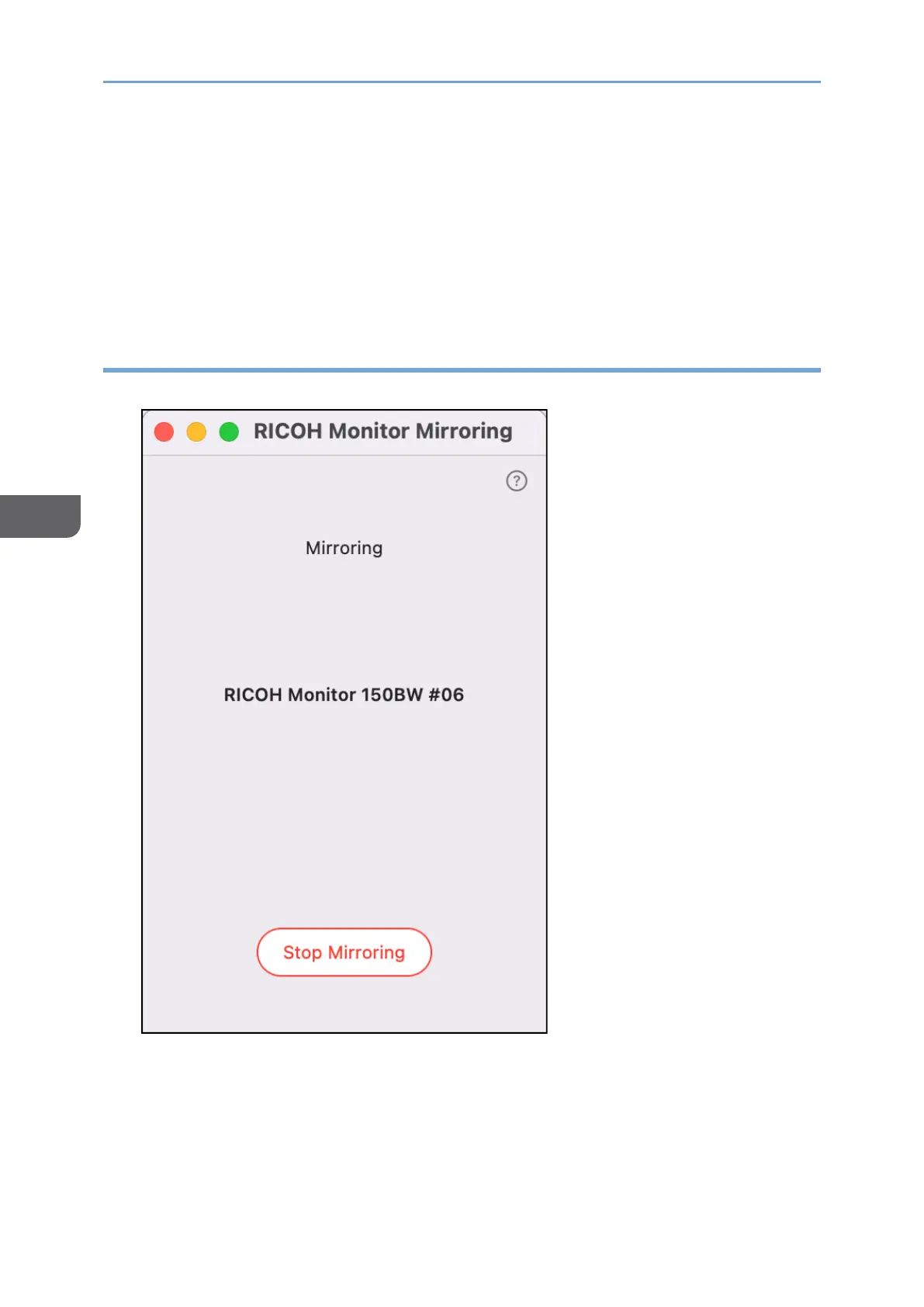
Disconnecting from RICOH Monitor Mirroring for macOS
1. Click [Stop Mirroring].
The disconnection message is displayed on the machine and the Waiting to Connect
screen appears.










 To Next Page