Color Functions
51
2
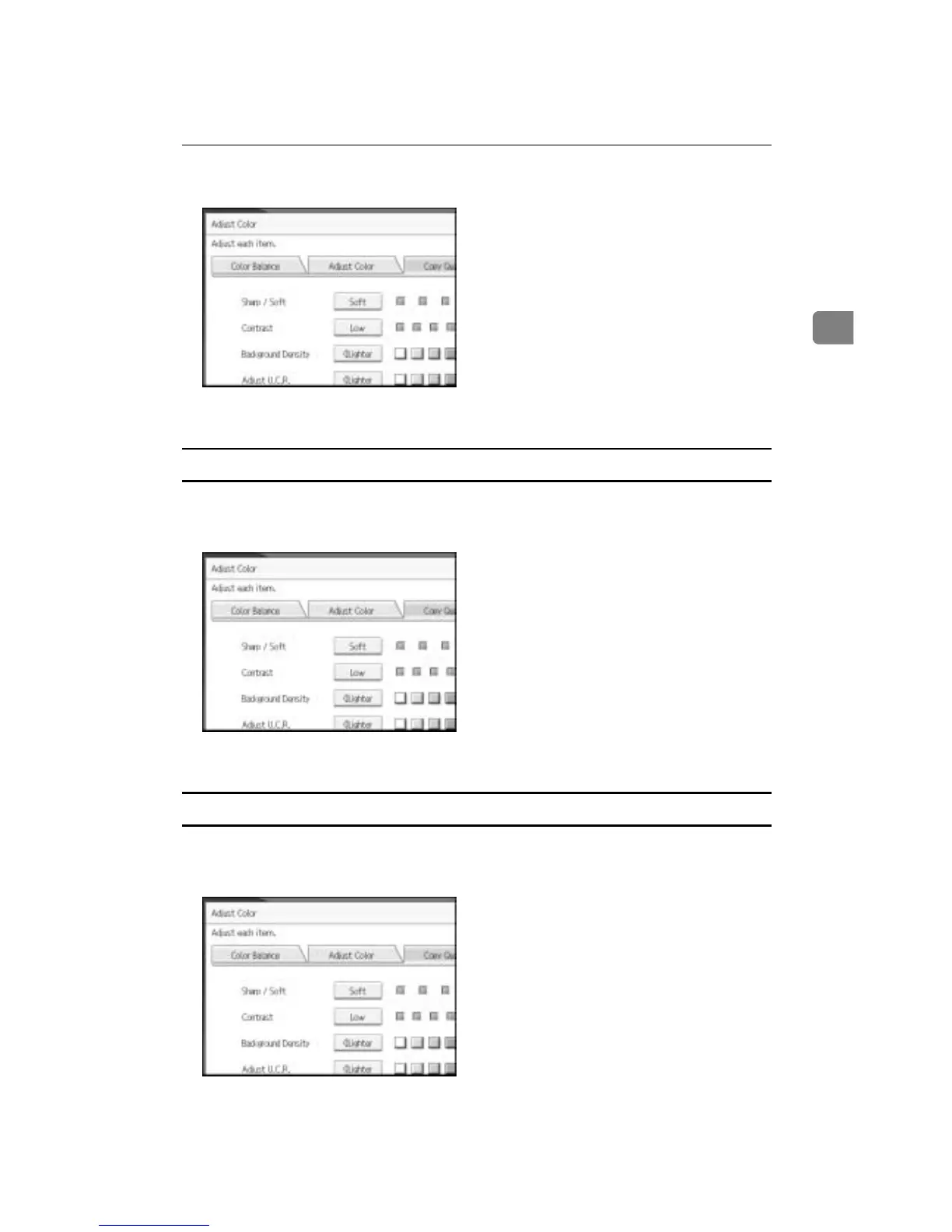
A Adjust by pressing [Soft] or [Sharp].
B Press [OK].
Adjusting the contrast
Adjusts the shades of an image.
A Adjust by pressing [Low] or [High].
B Press [OK].
Adjusting the background density
Adjusts the background density of an image.
A Adjust by pressing [Lighter] or [Darker].
B Press [OK].









 To Next Page