Copying
52
2
Note
❒ Adjustments should be made lighter when copying dark textured origi-
nals, such as newspaper or recycled paper.
❒ Adjustments should be made darker when darkening the color of markers
or highlighters. However, as the color of highlighters is difficult to repro-
duce, the copy might not come out depending on the color or a different
color might be copied.
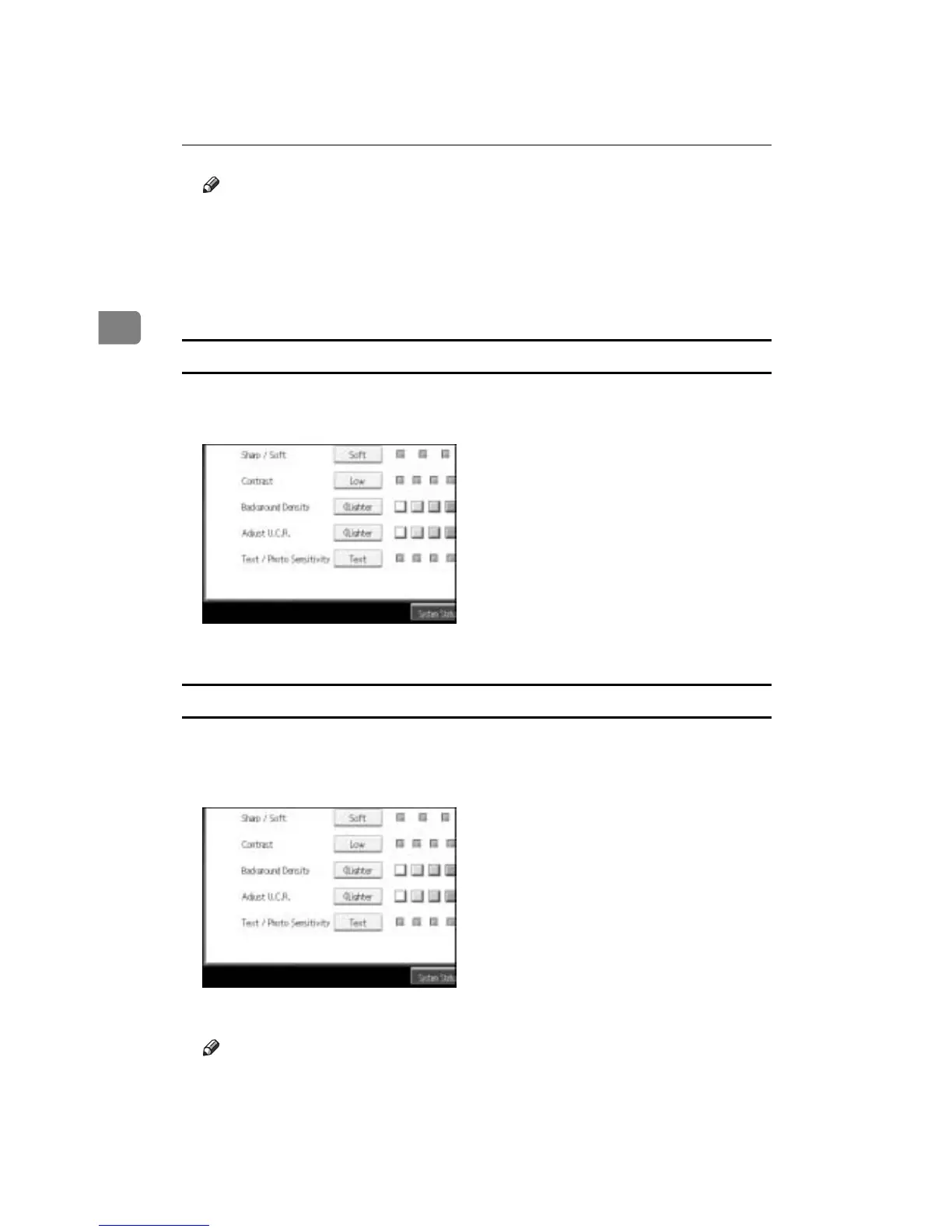
Adjusting the U.C.R
Adjusts the amount of black toner to express vividly the black areas in an image.
A Adjust by pressing [Lighter] or [Darker].
B Press [OK].
Adjusting the Text/Photo sensitivity
Adjusts the standard level in judging the image in the text and photo part when
using “Text / Photo”.
A Adjust by pressing [Text] or [Photo].
B Press [OK].
Note
❒ Make sure to set to “Text” when parts of the texts are faded or are not clear.
Set to “Photo” when the outline of photos becomes dark.









 To Next Page