Copying
60
2
❖ Metric version
❖ Inch version
Note
❒ Only the paper trays set to [No Display] or [Recycled Paper] in Paper Type in
Tray Paper Setting in System Settings and also set to [Yes] in Apply Auto Pa-
per Select can be selected in Auto Paper Select mode.
Reference
See “Paper Type: Tray 1-4”, General Settings Guide.
See “Paper Display”, General Settings Guide.
See p.16 “Sizes difficult to detect”.
Auto Paper Select
The machine selects a suitable size of copy paper automatically based on the
original size and the reproduction ratio.
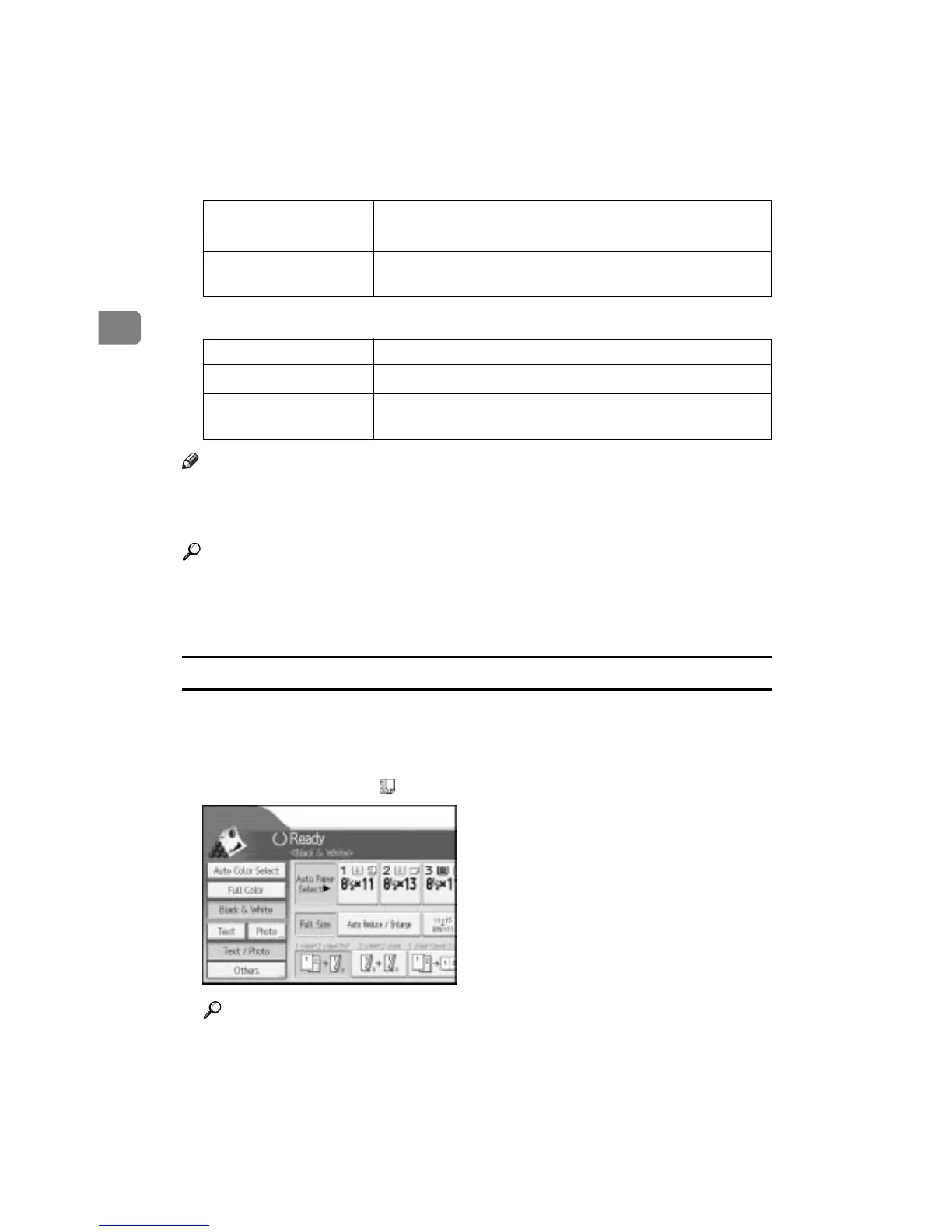
A Make sure that Auto Paper Select is selected.
Trays with a key mark ( ) will not be automatically selected.
Reference
See “Paper Type”, General Settings Guide.
Where original is set Paper size and orientation
Exposure glass A3L, B4 JISL, A4KL, B5 JISKL, 8" u 13"L
ADF
A3L, B4 JISL , A4KL, B5 JISKL, A5KL, 11 u 17L, 8
1
/
2
" u
11"KL, 8" u 13"L, 8KL, 16KKL
Where original is set Paper size and orientation
Exposure glass
11" u 17"L, 8
1
/
2
" u 14"L, 8
1
/
2
" u 11"KL
ADF
A3L, A4KL, 11" u 17"L, 8
1
/
2
" u 14"L, 8
1
/
2
" u 11"KL, 5
1
/
2
"
u 8
1
/
2
"KL, 10" u 14"L, 7
1
/
4
" u 10
1
/
2
"L









 To Next Page