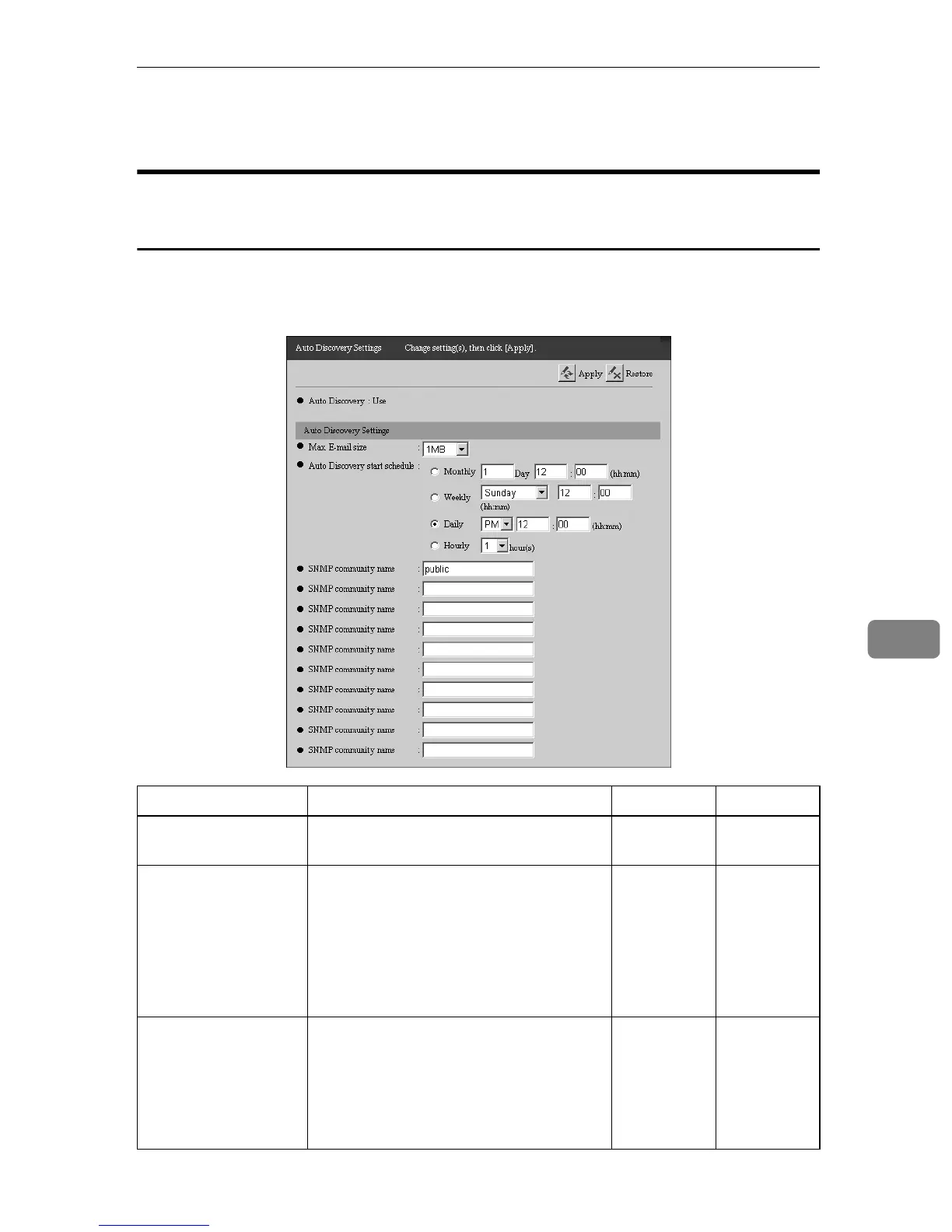
Auto Discovery Settings
85
7
Auto Discovery Settings
Common to the “E-mail (SMTP)” and “Internet encryption
communication (HTTPS)” Method
Make settings for Auto Discovery. Click [Auto Discovery] - [Auto Discovery Settings]
to show the screen. (The illustration shows the screen for the “E-mail (SMTP)”
method.)
Items Descriptions Admin Registrant
Auto Discovery Shows whether to use Auto Discovery, or
not.
††
Permit setting of Auto
Discovery from Com-
munication Server
This is shown only with the “Internet en-
cryption communication (HTTPS)”
method.
Set “Do not permit” if you do not want to
have settings made for Auto Discovery
from the Communication Server. If you
want, select “Permit.”
❍❍
Max. E-mail size This is shown only with the “E-mail
(SMTP)” method.
Select the maximum capacity for each E-
mail from the Communication Server.
The E-mail contains the results of Auto
Discovery.
❍❍



 To Next Page