Setup and Connection
16
2
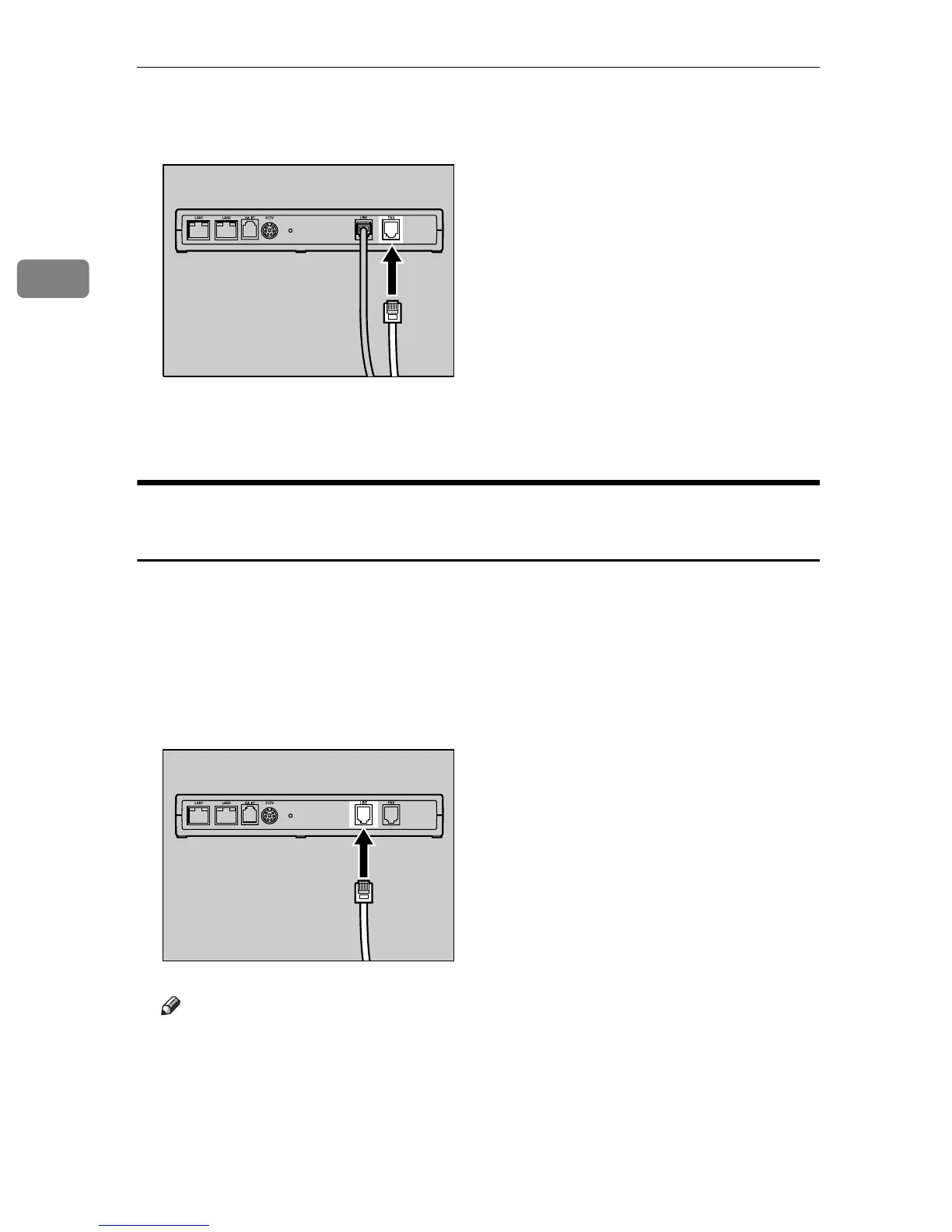
C Connect the supplied White Telephone Line Cable to the FAX port of this
equipment.
D Connect the other end of the White Telephone Cable to the LINE port of the
facsimile.
Telephone Line Exclusively Used for the Remote Communication
Gate
The following instructions describe the connection procedures of the telephone
line, when the telephone line is used exclusively for this equipment.
A Connect the telephone line cable to the telephone line socket exclusively
prepared for this equipment.
B Connect the other end of the telephone line cable to the LINE port of this
equipment.
Note
❒ The FAX port is not to be used.
AAA316S
AAA007S



 To Next Page