Registering Image I/O Devices to the Communication Server
64
6
Operating the Device Registration Wizard
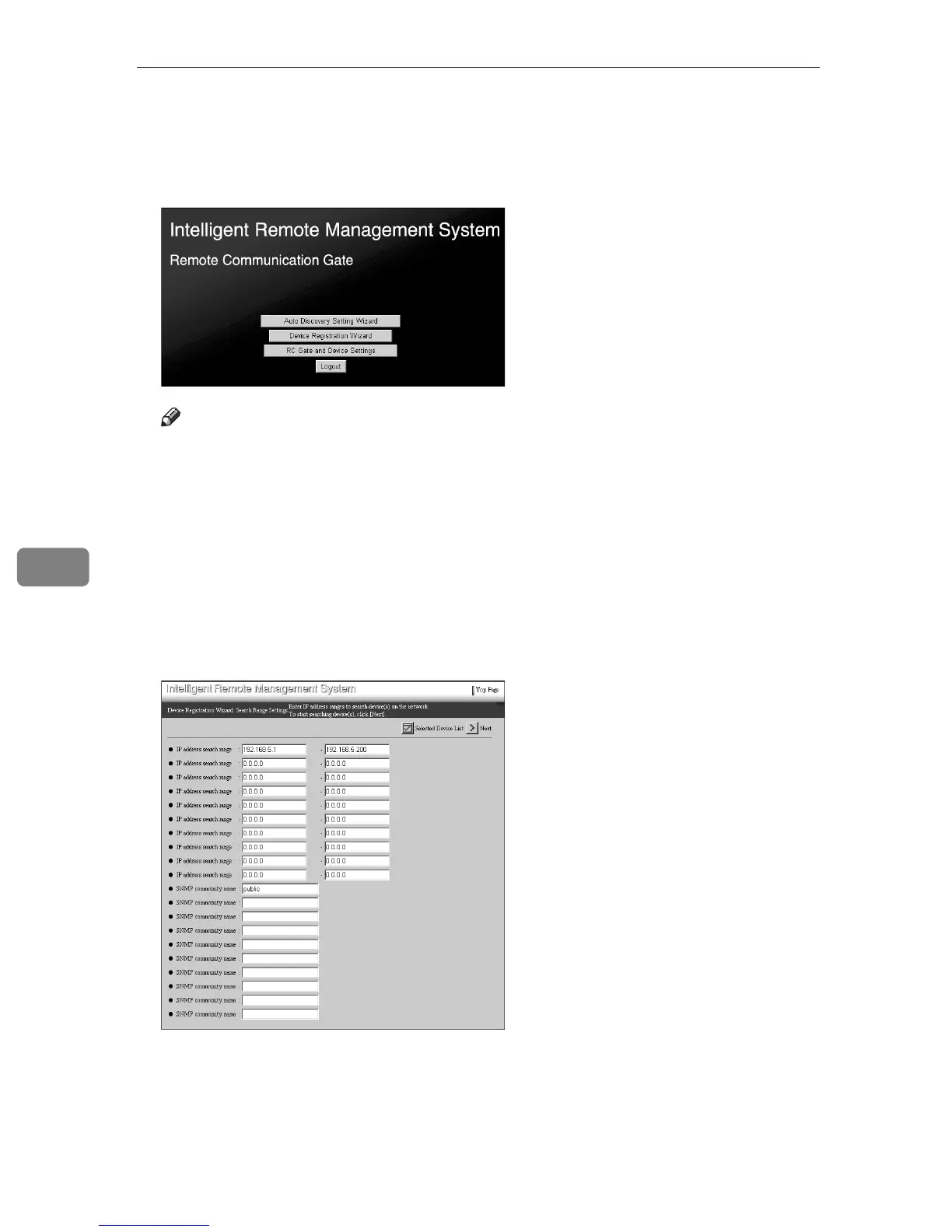
A Click [Device Registration Wizard] from the Top Page of the RC Gate registrant.
Note
❒ If the Top Page of the RC Gate registrant does not appear, follow steps
A
to
E
of p.30 “To Start the RC Gate Monitor”.
❒ [Device Registration Wizard] will not be shown if [RC Gate Registration Wizard]
is not finished.
❒ If you Login as the RC Gate administrator, [Device Registration Wizard] will
not be shown.
The [Device Registration Wizard: Search Range Settings] screen will appear.
B To find the administrator machine, enter [IP address search range] or [SNMP
community name].



 To Next Page