Configuring the Details of the Registered Information
74
7
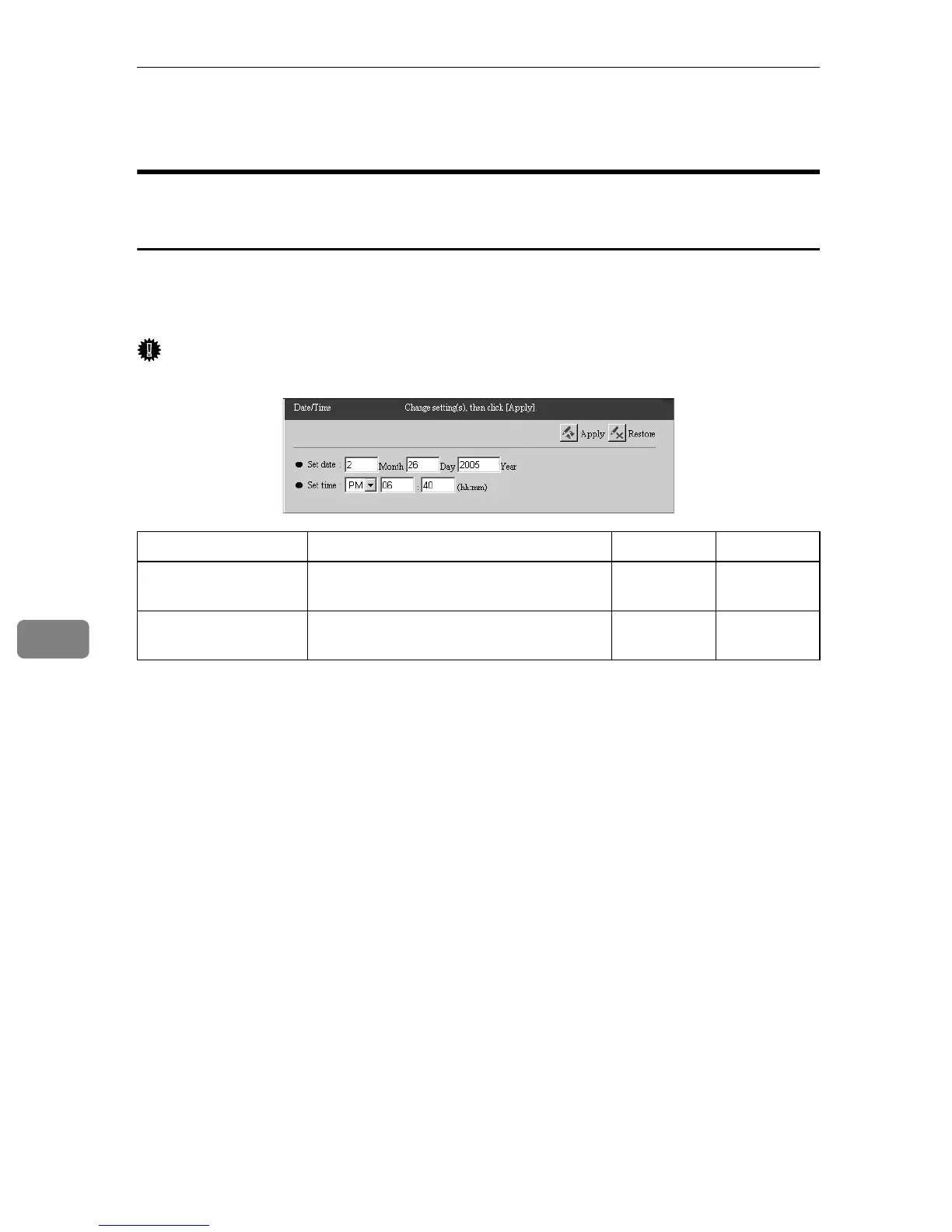
Date/Time
Common to the “E-mail (SMTP)” and “Internet encryption
communication (HTTPS)” Method
You can confirm and change the clock of the equipment. Click [RC Gate Settings]
- [Date/Time] to show the screen. The confirmation dialog appears when you click
[Apply]. The clock starts to count when you click [OK].
Important
❒ Check the time and date regularly, and correct these if necessary.
❍: Able to Change
Items Descriptions Admin Registrant
Set date Set the current date of the place where
the equipment is set. Set it to today.
❍❍
Set time Set the current time of the place where
the equipment is set. Set it to now.
❍❍



 To Next Page