Configuring the Details of the Registered Information
72
7
Basic
When using the “E-mail (SMTP)” Method
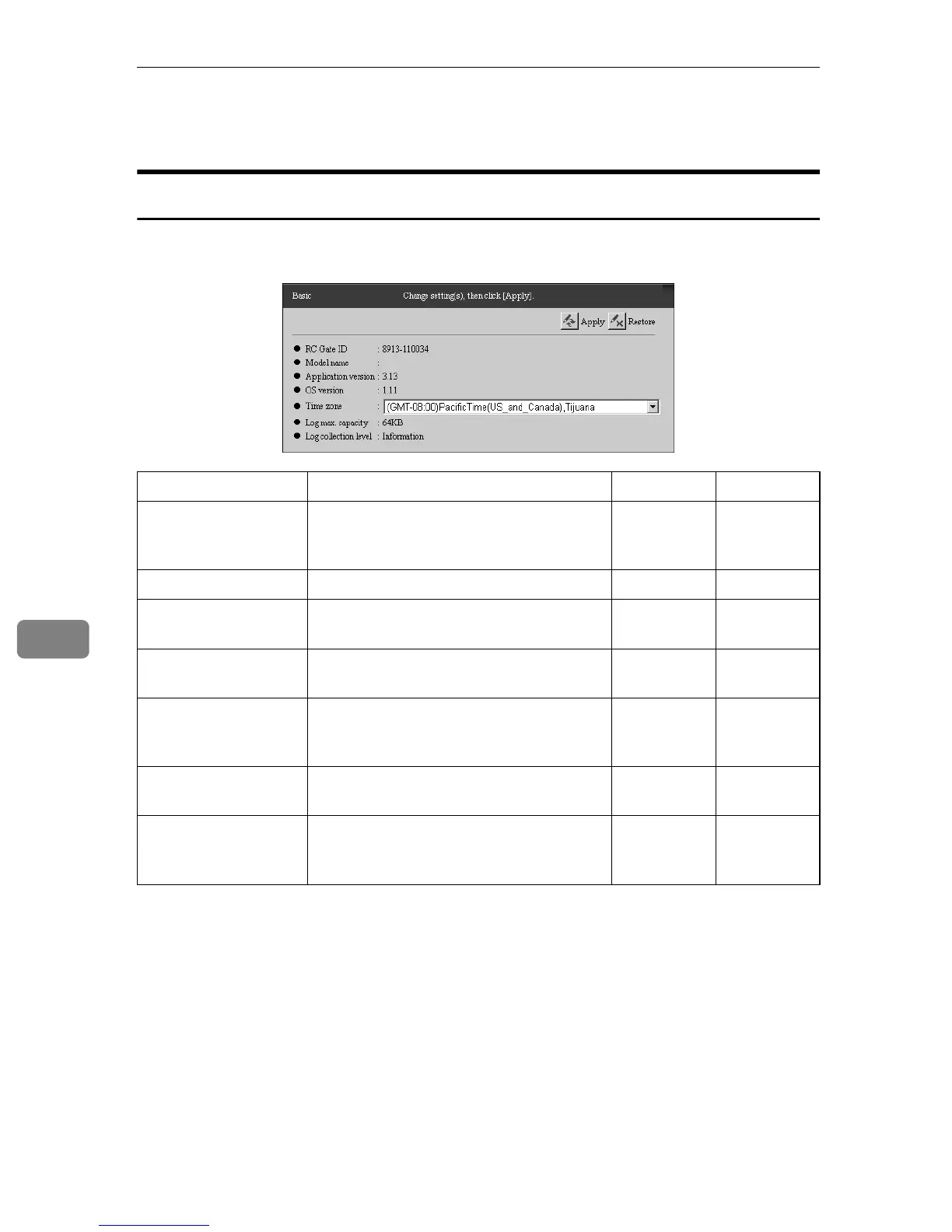
You can confirm the basic information of the equipment. Click [RC Gate Settings]
- [Basic] to show the screen.
-: Not Shown †: Confirmation Only ❍: Able to change
Items Descriptions Admin Registrant
RC Gate ID A serial number to identify the equip-
ment. A unique ID is set to each equip-
ment.
††
Model name A model name for the equipment. † †
Application version The current application version of the
equipment.
††
OS version The current operating system version of
the equipment.
††
Time zone The standard time of the place where the
equipment is set. (Time difference from
the Greenwich mean time is set.)
❍❍
Log max. capacity The maximum value of the log file which
the equipment collects.
-†
Log collection level The log level which the equipment col-
lects. Levels are; Errors, Warnings, Oper-
ation, Information
-†



 To Next Page