Configuring the Details of the Registered Information
98
7
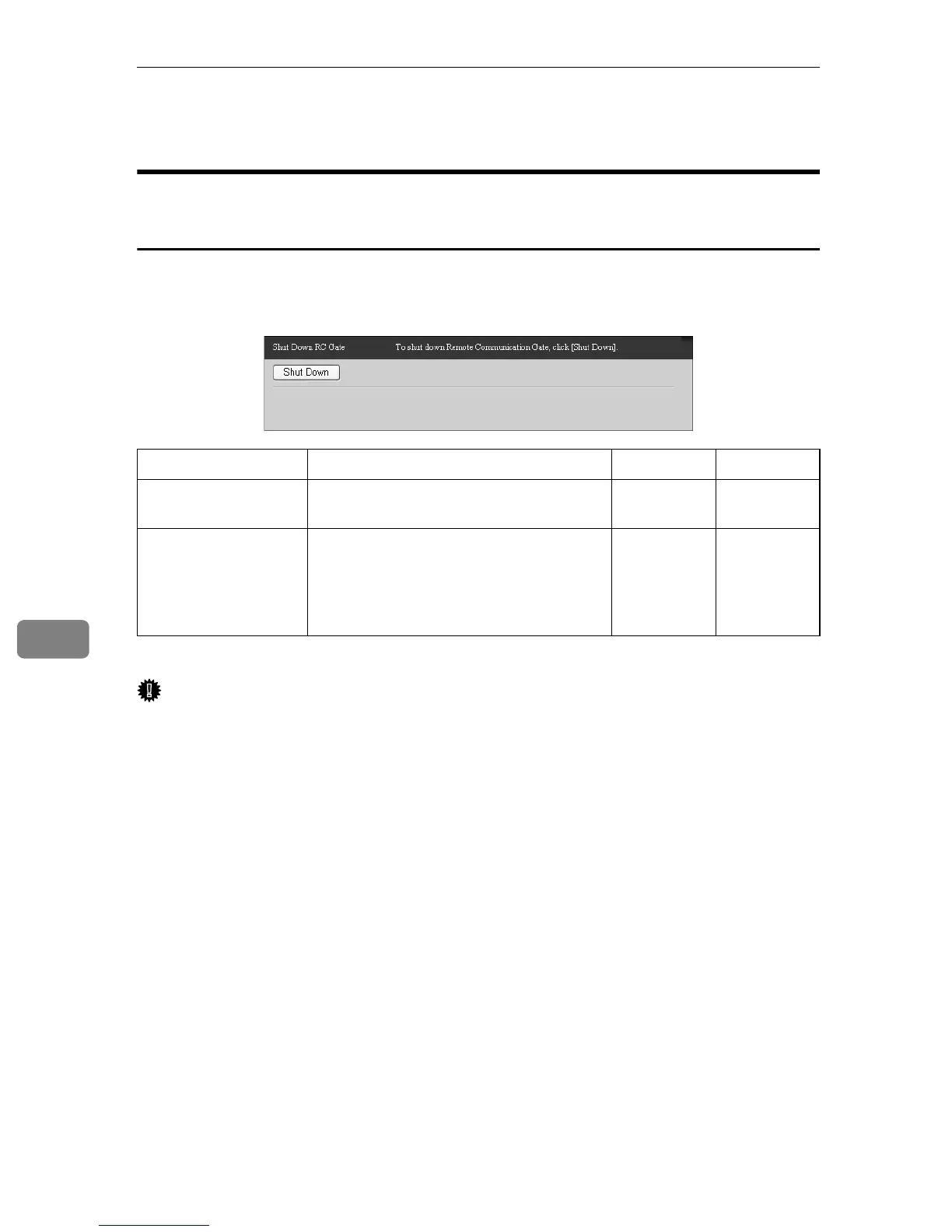
Shut Down RC Gate
Common to the “E-mail (SMTP)” and “Internet encryption
communication (HTTPS)” Method
Perform the following procedure to shut down the equipment. Do not turn off
the power before completing the following procedure. To shutdown the equip-
ment, first select [Maintenance], and then [Shut Down RC Gate].
❍: The button can be clicked, or the dialog box is displayed.
Important
❒ Simply turning the power off can damage the equipment's hard drive and re-
sult in loss of up to one hour of the most recent logs.
Items Description Admin Registrant
Shut Down (button) Click the [Shut Down] button to shut down
the RC Gate.
❍❍
Shut Down
(dialog box)
Click the [Shut Down] button to display
the Shut Down dialog box. Click the [OK]
button to begin shutdown. When shut-
down is complete, the [Shutting down RC
Gate...] screen appears.
❍❍



 To Next Page