When Registering with the E-mail (SMTP) Method
43
4
Operating the RC Gate Registration Wizard
A Start the web browser. Access the RC Gate Monitor and log in as “RC Gate
registrant.”
Reference
p.30 “To Start the RC Gate Monitor”
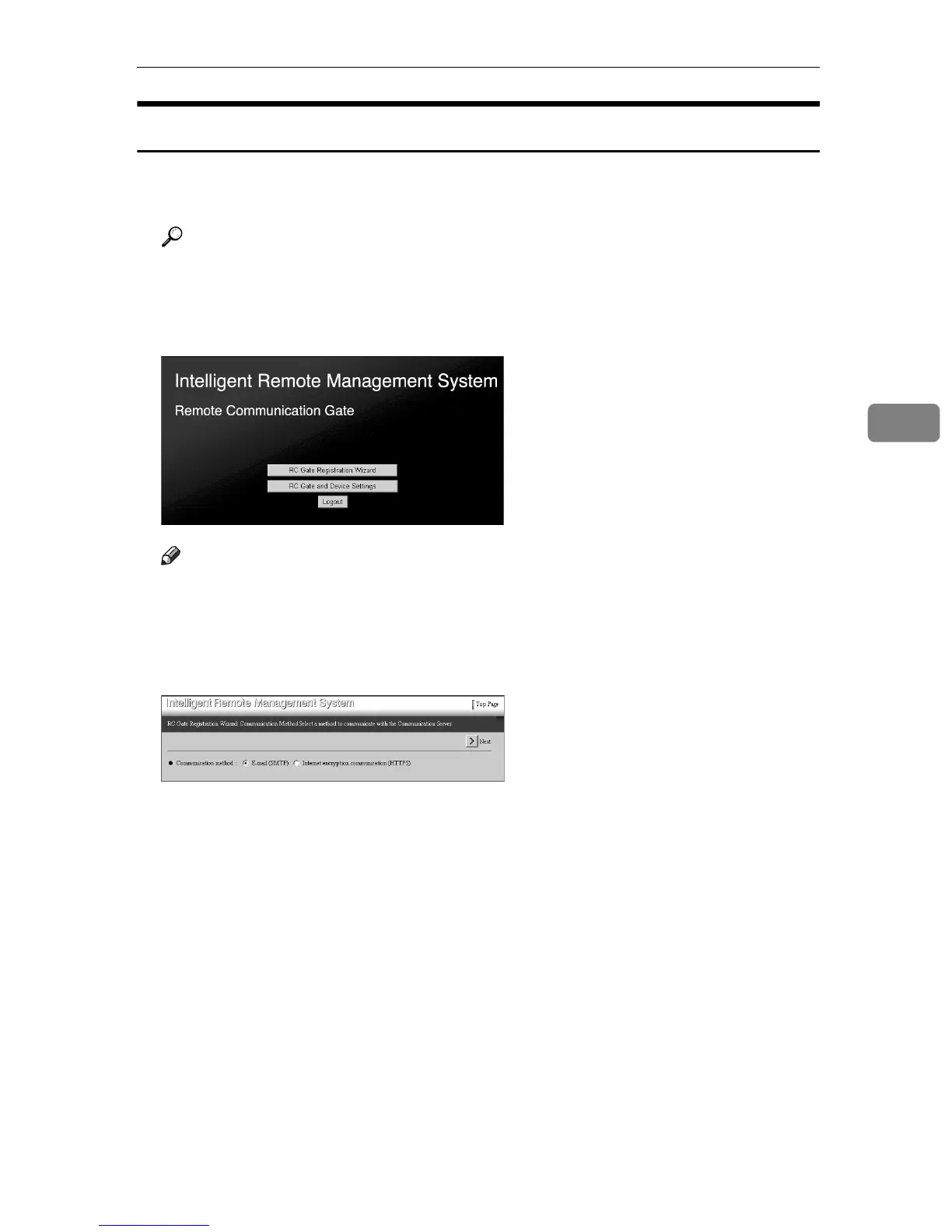
The Top Page for the “RC Gate registrant” will appear.
B Click [RC Gate Registration Wizard].
Note
❒ [RC Gate Registration Wizard] will not appear if you log in as the “RC Gate ad-
ministrator.”
The [RC Gate Registration Wizard: Communication Method] screen appears.
C Confirm that [E-mail (SMTP)] is selected. Click [Next].
The [RC Gate Registration Wizard: RC Gate Information] screen will appear.



 To Next Page