Guide to the Equipment
7
1
Guide to the Equipment
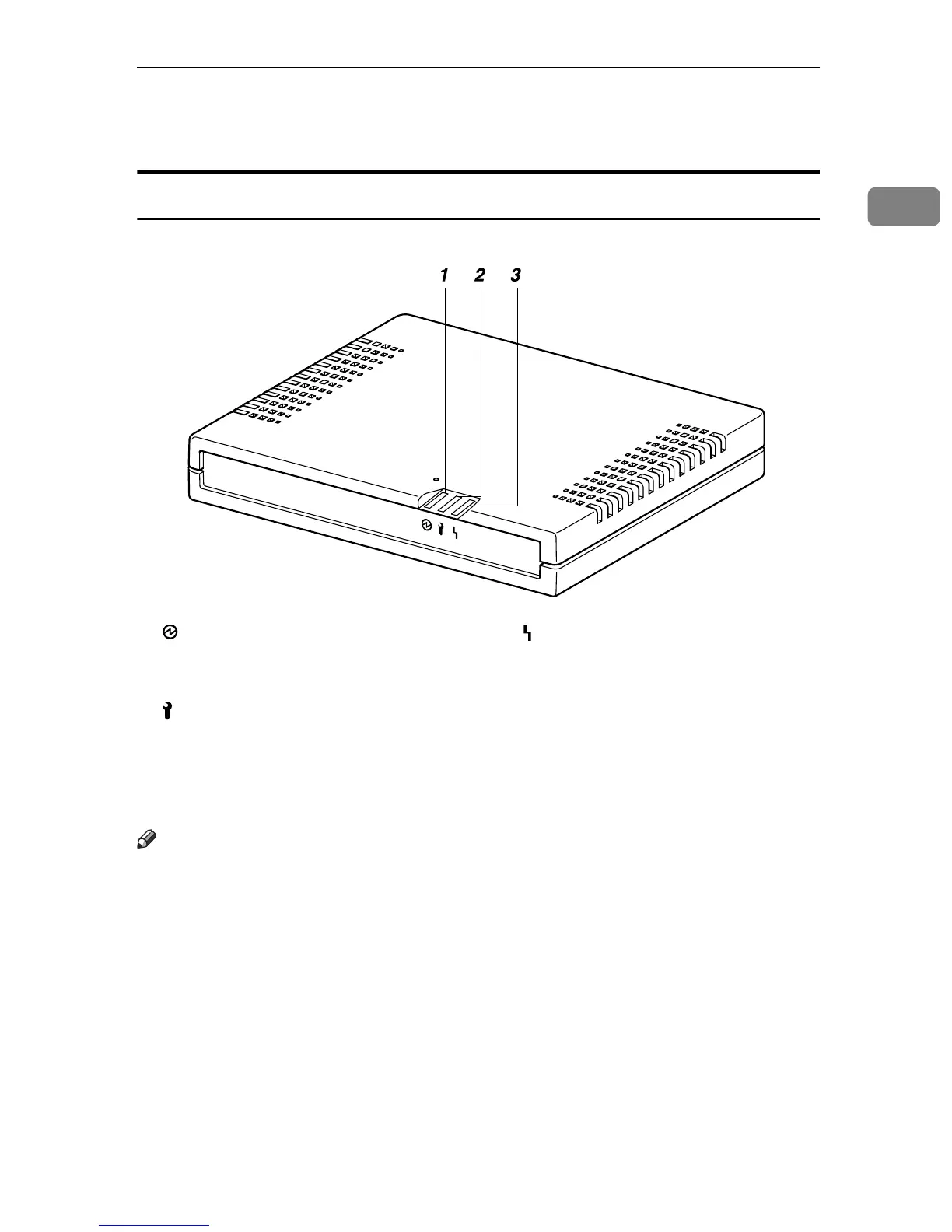
Top/Front
1. Power
Lights green while the equipment is op-
erating.
2. Call Maintenance
OFF when correctly started. Lights red
when an error occurs. In this case, contact
your service representative.
3. Communication Error
OFF when correctly communicating with
the Communication Server. Lights or-
ange when access to the Communication
Server fails. Check the LAN cable is cor-
rectly connected. Connect the power ca-
ble if it not connected. Contact your
service representative if the problem per-
sists.
Note
❒ When re-booted and started, the LED blinks for a while.
❒ If the equipment stops functioning due to error, the red and orange LEDS
flash rapidly and alternately. Call your service representative if this happens.
AAA302S



 To Next Page