Network
75
7
Network
Common to the “E-mail (SMTP)” and “Internet encryption
communication (HTTPS)” Method
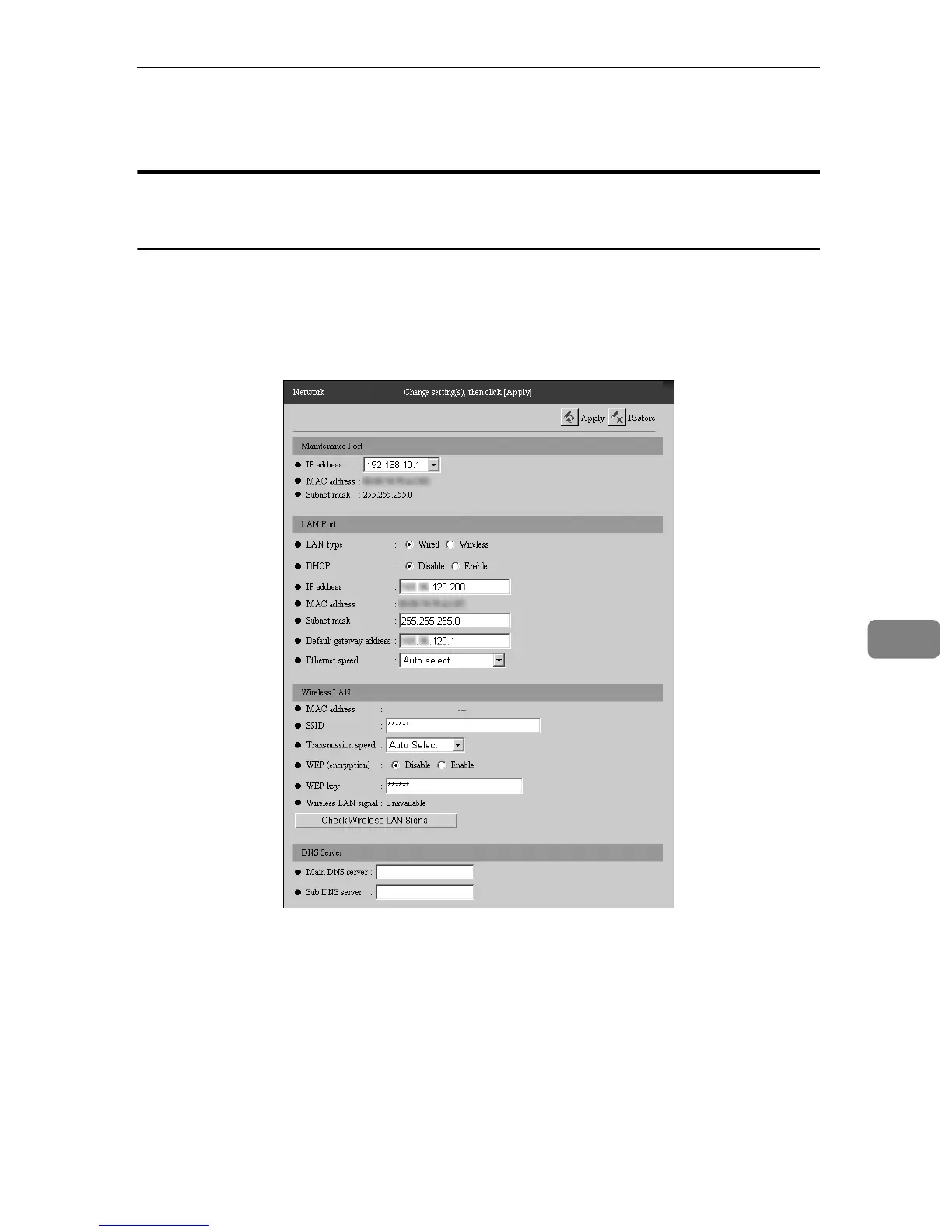
You can change and confirm the network settings for the equipment. Click [RC
Gate Settings] - [Network] to show the screen. After changing the values, click [Ap-
ply]. A confirmation dialog to reboot the equipment will appear. Click [OK] to re-
boot the equipment. (The illustration shows the screen with the wireless LAN
option.)



 To Next Page