Starting and Closing the RC Gate Monitor
35
3
To Discontinue RC Gate Monitor
A Click [Top Page] in the Header Area.
Reference
See p.36 “Header Area” when the Wizard.
See p.38 “Header Area” when [RC Gate and Device Settings].
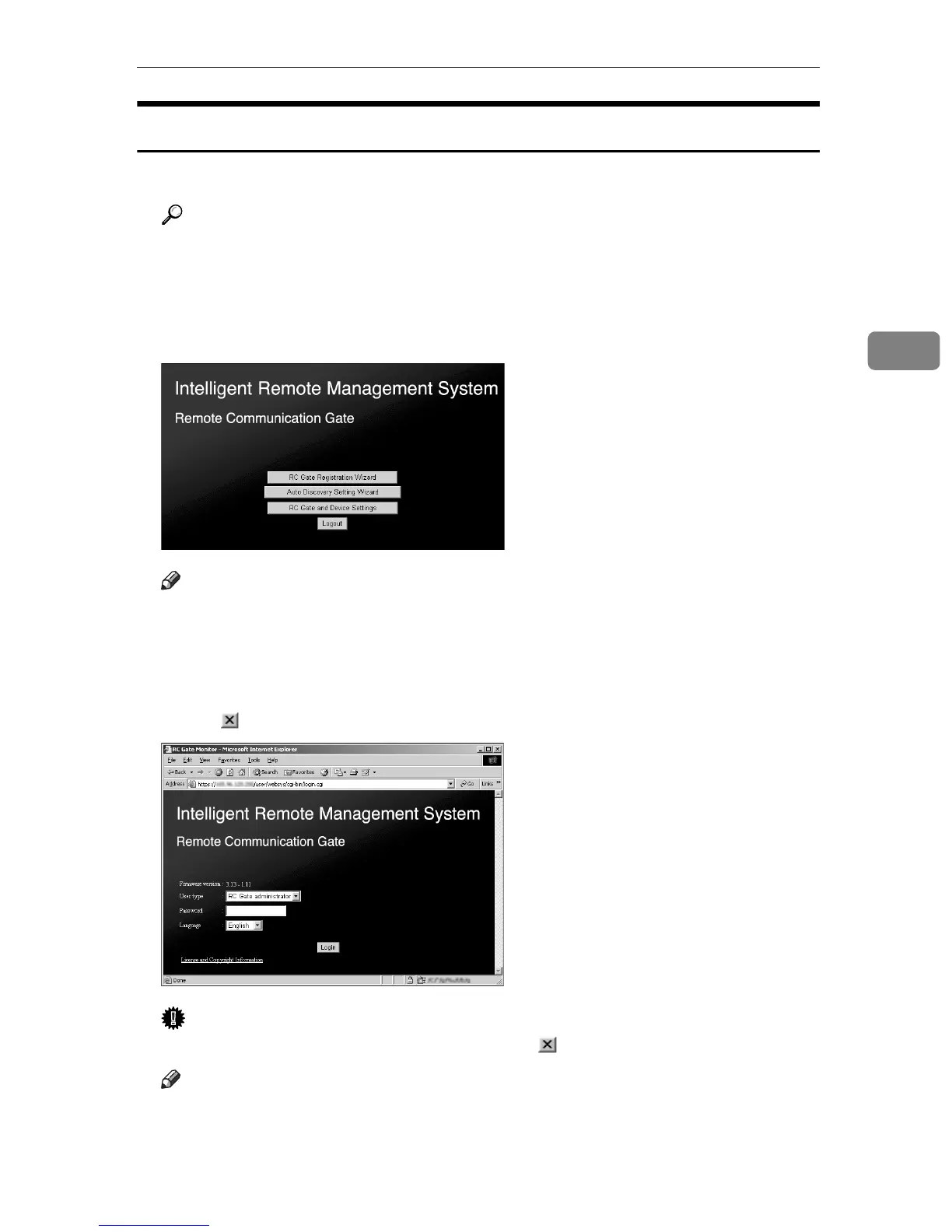
Top Page will appear.
B Click [Logout].
Note
❒ The illustration shows the screen when you use the “E-mail (SMTP)” meth-
od and are logged in as the RC Gate registrant. The Top Page will differ ac-
cording to the communication method and log in user.
Log in screen appears.
C Click [] of the web browser.
Important
❒ Be sure to click [Logout] in step
B
before []
Note
❒ The operation to close the web browser differs according to the operating
system and the web browser. Operate according to your environment.



 To Next Page