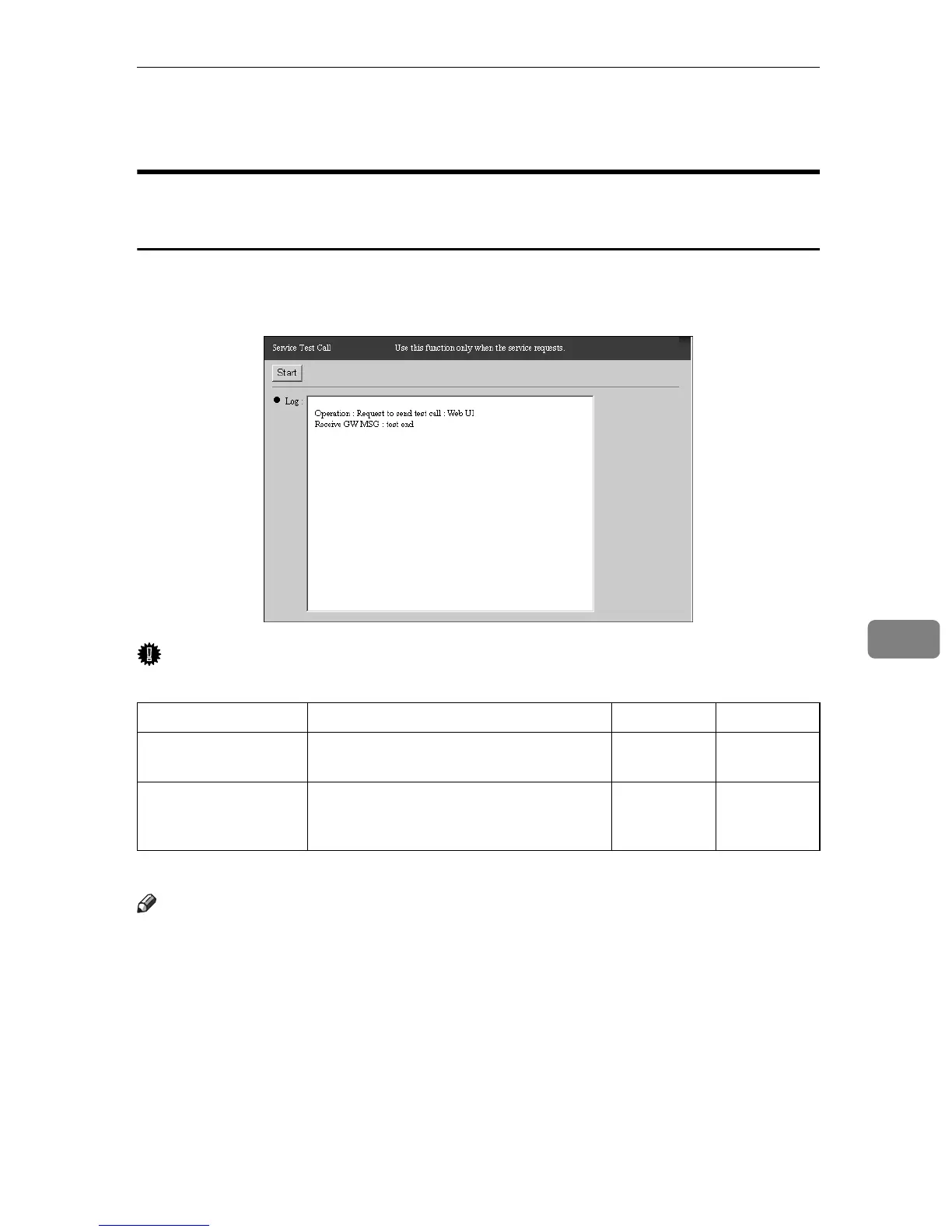
Service Test Call
99
7
Service Test Call
When using the “Internet encryption communication (HTTPS)”
Method
You can test the connection between the equipment and Communication Server.
Click [Maintenance] - [Communication Server Calls] - [Service Test Call] to show the
screen.
Important
❒ Execute [Service Test Call] only when there is a request from the Service depot.
-: Not Shown †: Confirmation Only ❍: Able to change
Note
❒ The results of [Service Test Call] (The contents of [Log]) will not be sent to the
Communication Server. This is a communication test only for the equipment.
Items Description Admin Registrant
Start (button) Click to start a test call to the Communi-
cation Server.
- ❍
Log Shows the status message from the Com-
munication Server for the results of the
test call.
-†



 To Next Page