Configuring the Details of the Registered Information
100
7
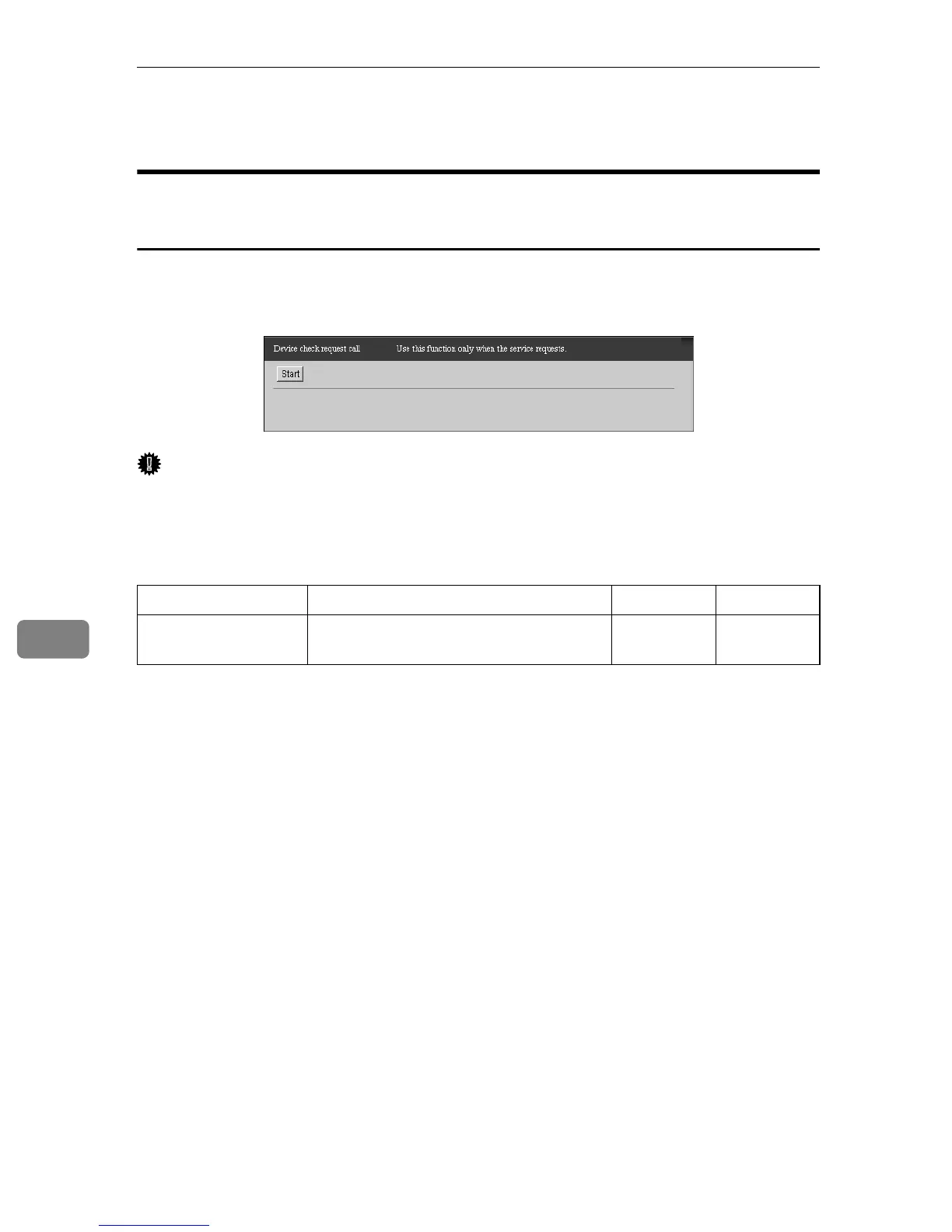
Device check request call
When using the “Internet encryption communication (HTTPS)”
Method
You can test the connection between the equipment and Communication Server.
The result will be sent to the Communication Server. Click [Maintenance] - [Com-
munication Server Calls] - [Device Check Req. Call] to show the screen.
Important
❒ Execute [Device check request call] only when there is a request from the Service
depot.
❒ When you make a test call with [Device check request call], the status of the
equipment will be sent to the Communication Server.
❍: Able to Click
Items Descriptions Admin Registrant
Start (button) Click to start a test call to the Communi-
cation Server.
❍❍



 To Next Page