Setting the Auto Discovery
58
5
Operating the Auto Discovery Setting
Wizard
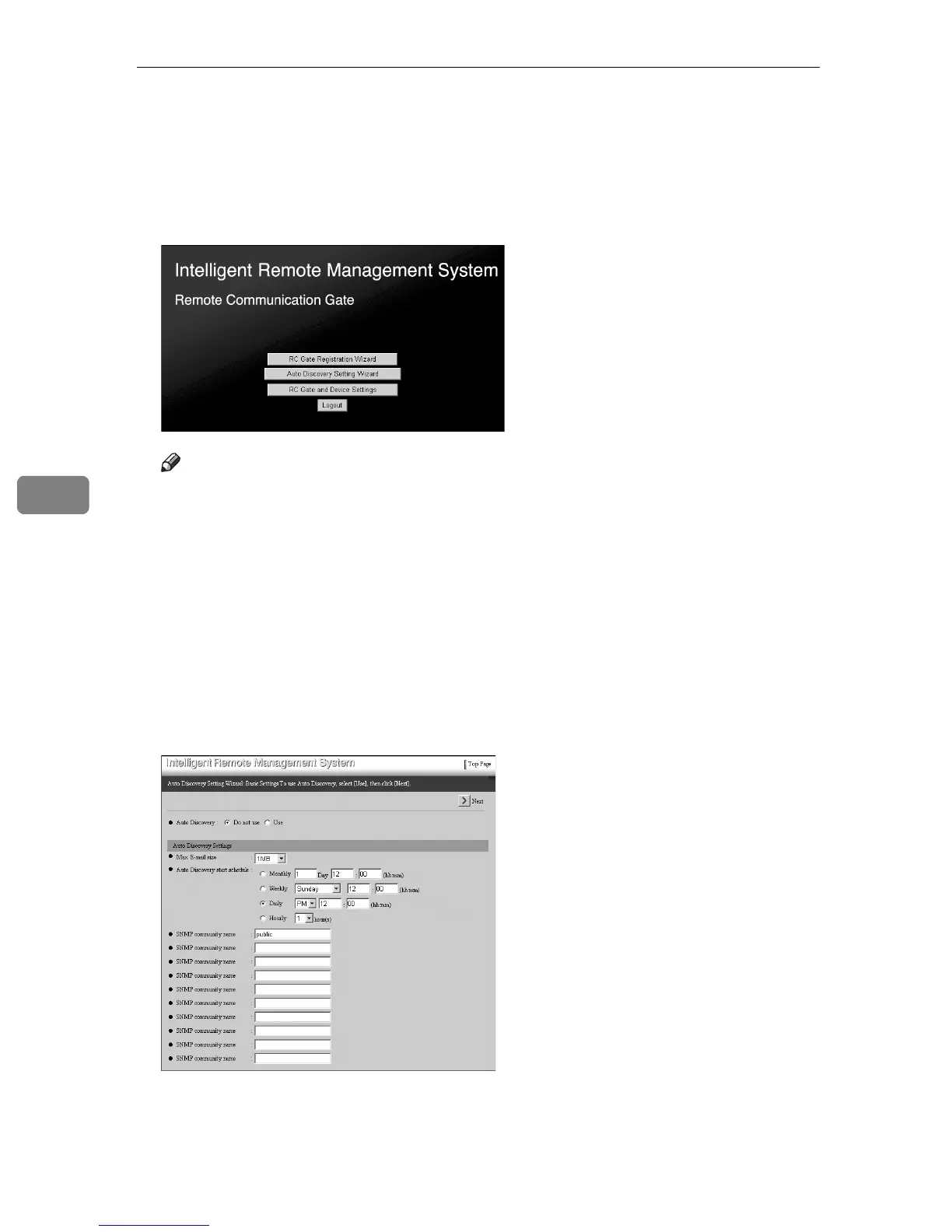
A Click [Auto Discovery Setting Wizard] from Top Page of RC Gate registrant.
Note
❒ If Top Page for RC Gate registrant is not shown, follow the procedures
from
A
to
E
of p.30 “To Start the RC Gate Monitor”.
❒ The illustration shows the screens of the “E-mail (SMTP)” method. Screens
differ when in the “Internet encryption communication (HTTPS)” method.
❒ [Auto Discovery Setting Wizard] will not be shown if [RC Gate Registration Wiz-
ard] is not finished.
❒ If you Login as RC Gate administrator, [Auto Discovery Setting Wizard] will
not be shown.
[Auto Discovery Setting Wizard: Basic Settings] screen will appear.
B Select “Use” for [Auto Discovery] and enter and select other items.



 To Next Page