Password
105
7
Password
Common to the “E-mail (SMTP)” and “Internet encryption
communication (HTTPS)” Method
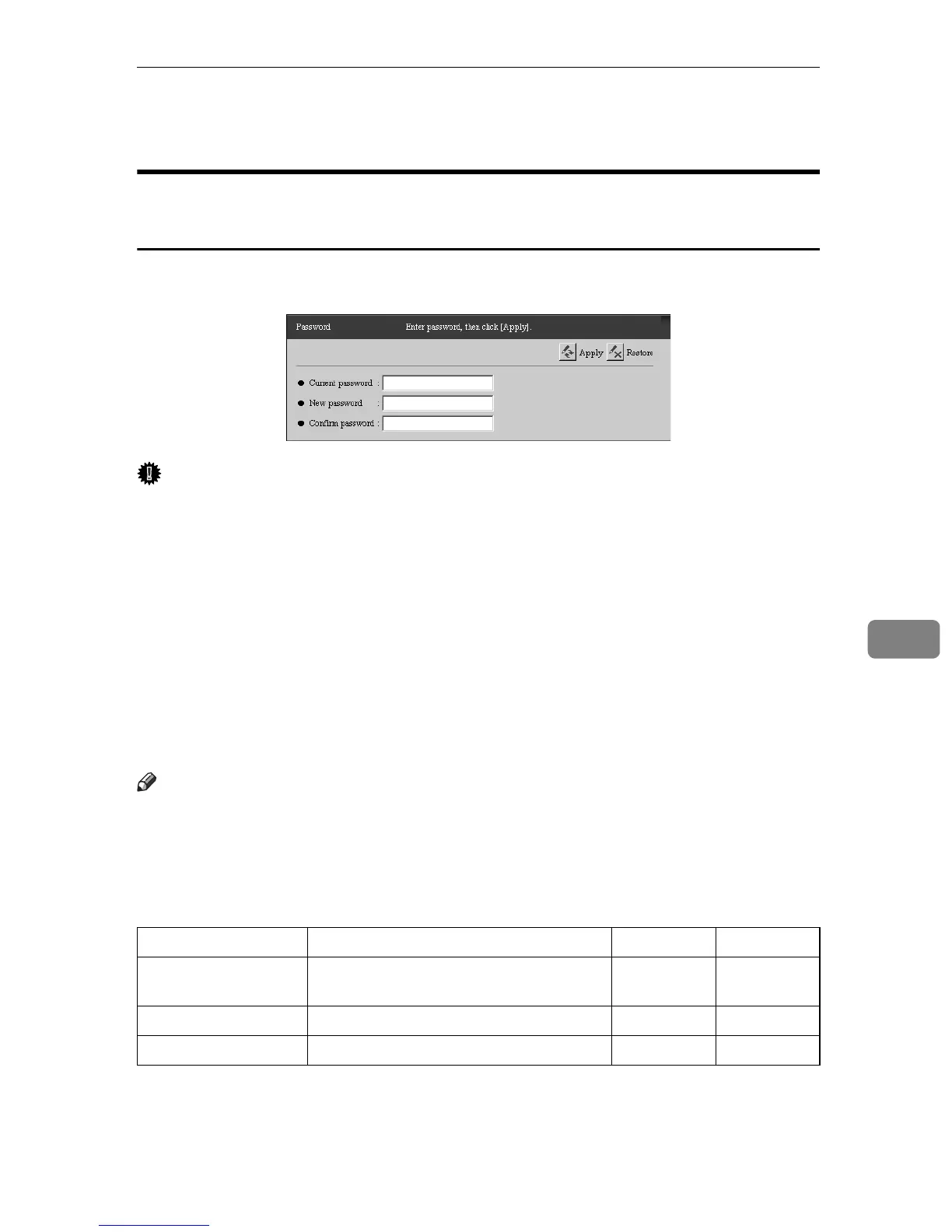
The RC Gate Monitor login password can be changed any time. Select [Security]
- [Password] to open the dialog box shown below.
Important
❒ Never use the default password that has been set during shipment. Change it
by considering the followings. Specify a new password using 8 to 13 alpha-
numeric and symbolic characters.
❒ You can use the following single-byte characters: space ! " # $ % & ' ( ) * + , -
./ 0 1 2 3 4 5 6 7 8 9 : ; < = > ? @ A B C D E F G H I J K L M N O P Q R S T U V
W X Y Z [ \ ] ^ _ a b c d e f g h i j k l m n o p q r s t u v w x y z
❒ Change the password regularly. We recommend you change it at least every
six months.
❒ Avoid using well known words or phrases, or repeated characters that can
easily be guessed.
❒ Do not leave passwords written where they can be seen.
Note
❒ Only passwords of users who are currently logged in can be changed. If you
log in as "RC Gate registrant", you cannot change the "RC Gate administra-
tor"password. If you log in as the "RC Gate administrator", you cannot change
the "RC Gate registrant"password.
❒ Changed passwords become valid at next login.
❍: Able to Enter/Change
Items Descriptions Admin Registrant
Current password Enter the password you are currently us-
ing.
❍❍
New password Enter a new password. ❍❍
Confirm password Reenter the new password to confirm it. ❍❍



 To Next Page