When Registering with the Internet encryption communication (HTTPS) Method
49
4
Operating the RC Gate Registration Wizard
A Start the web browser. Access the RC Gate Monitor and log in as “RC Gate
registrant.”
Reference
p.30 “To Start the RC Gate Monitor”
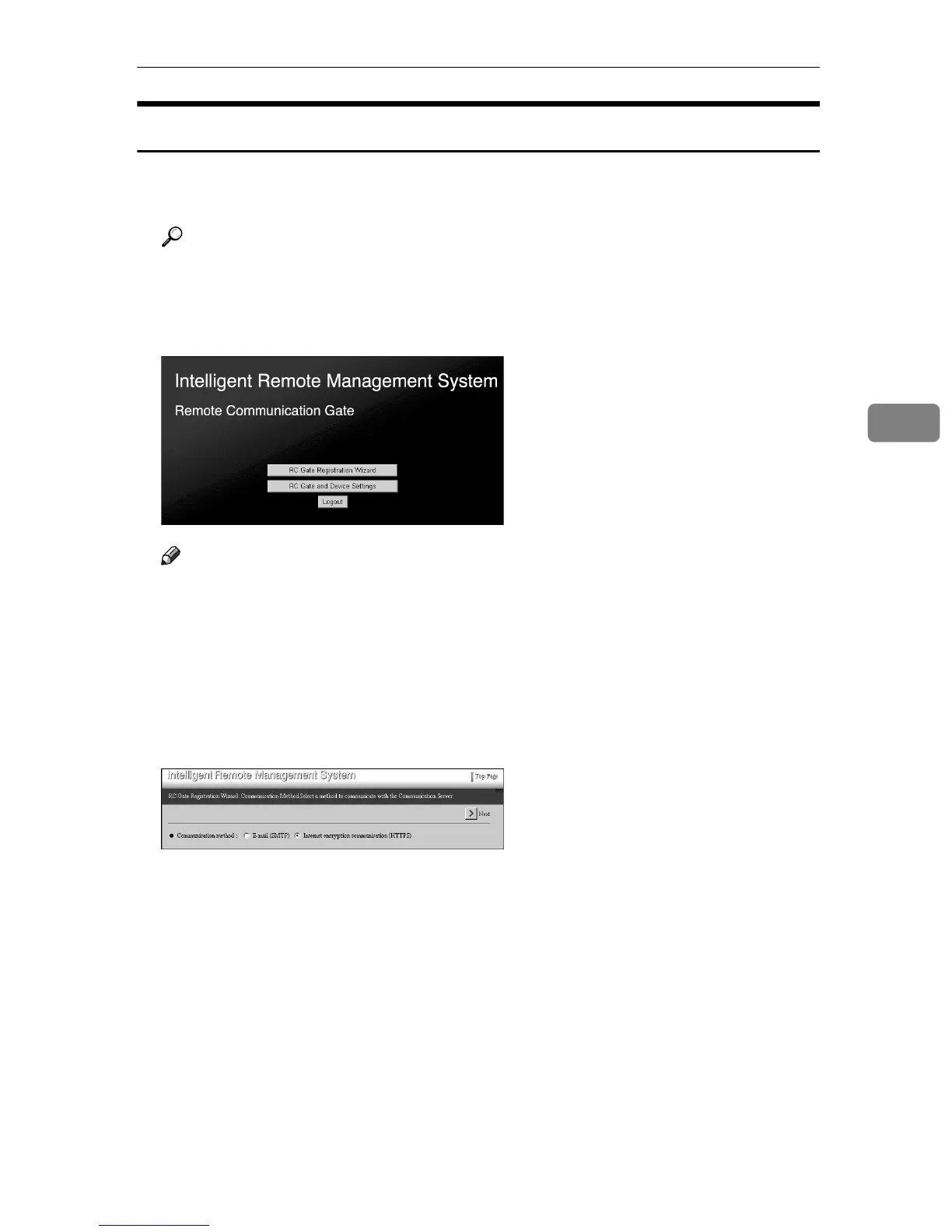
Top Page for the “RC Gate registrant” will appear.
B Click [RC Gate Registration Wizard].
Note
❒ [RC Gate Registration Wizard] will not appear if you log in as the “RC Gate ad-
ministrator.”
❒ If [RC Gate Registration Wizard] does not appear even if you logged in as “RC
Gate registrant”, the equipment is already registered to Communication
Server.
[RC Gate Registration Wizard: Communication Method] screen will appear.
C Select [Internet encryption communication (HTTPS)]. Click [Next].
The [RC Gate Registration Wizard: RC Gate Information] screen will appear.



 To Next Page