Installing the RC Gate
27
2
Installing the RC Gate
Make sure the environment where you want to install the equipment meets the
conditions listed on p.11 “Checking the Setup Environment”, and then begin the
installation procedure.
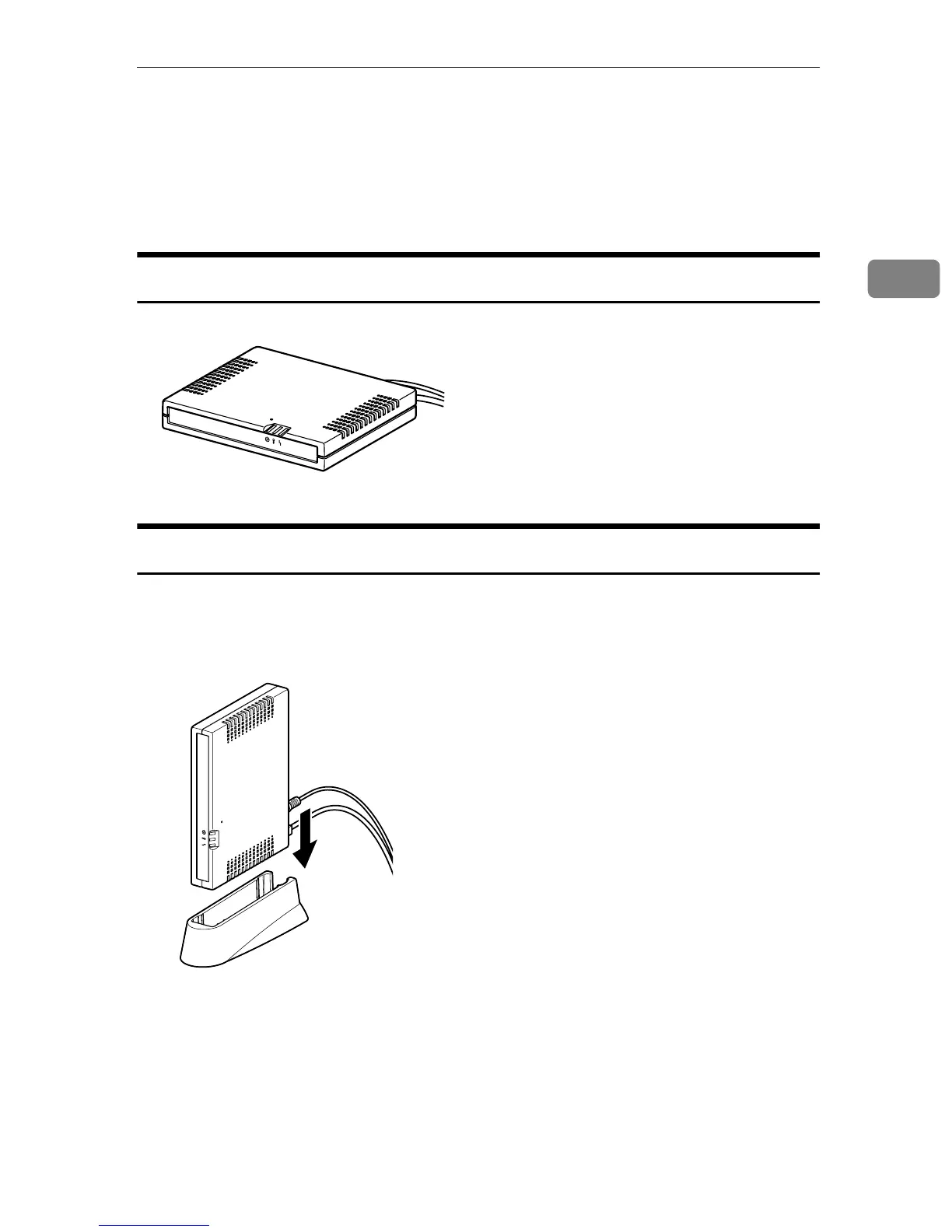
Setting the Equipment Horizontally
Lay the equipment on a flat surface, its LEDs upward.
Setting the Equipment Upright
You can set the equipment vertically to minimize its footprint.
A Lift the equipment, tilt vertically (LAN1 port downward) and then slot it
fully into the supplied stand, as shown below.
ARF001S
AAA301S



 To Next Page