Registering the Equipment
44
4
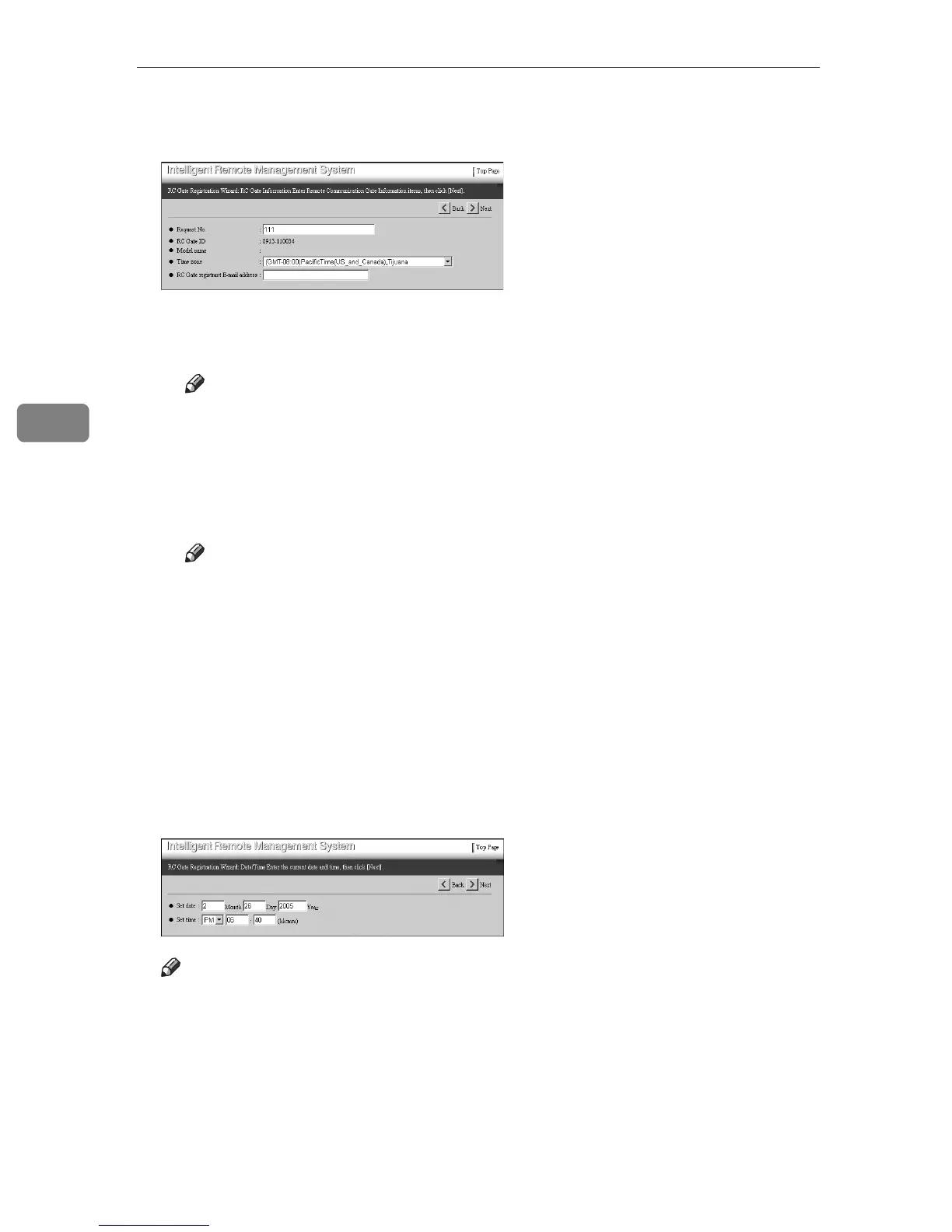
D Confirm [Request No.] and [Time zone]. Enter [RC Gate registrant E-mail address]
if necessary.
❖ Request No.
This is a required item to be entered.
Note
❒ Confirm the values. The values shown are the values that you enter
when you set the IP address for the equipment.
❖ Time zone
Select your region. The value shows the standard time for the region (dif-
ference from the Greenwich mean time) where the equipment is set.
Note
❒ The region shown is the region that you selected when setting the IP ad-
dress for the equipment.
❖ RC Gate registrant E-mail address
This item is optional. The Communication Server will send a result of reg-
istration completion by E-mail to this address. By this E-mail, you can con-
firm that the setting is done.
E Click [Next].
[RC Gate Registration Wizard: Date/Time] screen will appear.
F Enter the date and time. Click [Next].
Note
❒ Entered time starts to count when you click [Next].
[RC Gate Registration Wizard: Confirm Network Settings] screen will appear.



 To Next Page