When Registering with the E-mail (SMTP) Method
45
4
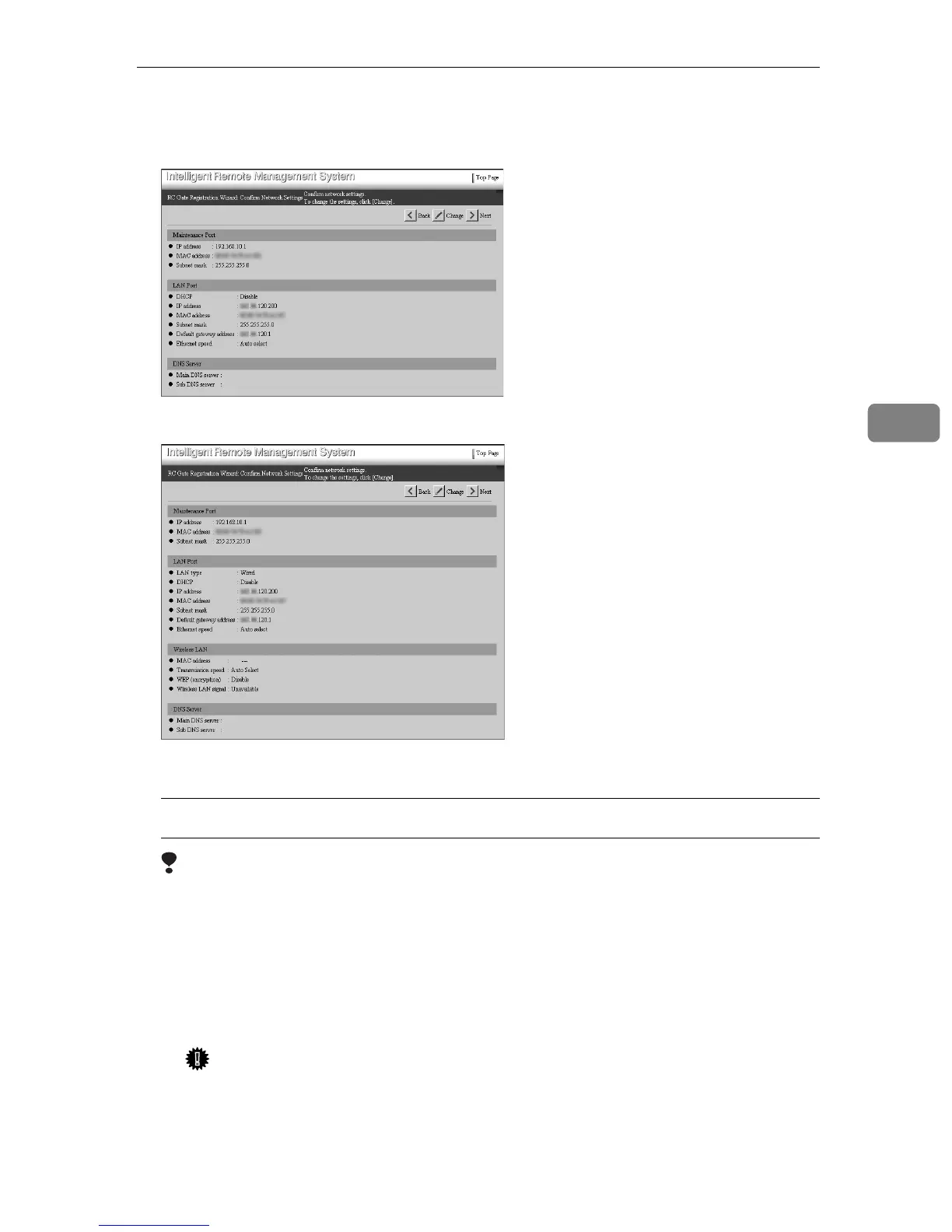
G Confirm the network settings. Click [Next].
• When connected by Ethernet cable
• When connected by the Wireless LAN (option)
[RC Gate Registration Wizard: E-mail Settings] screen will appear.
Changing the Network Settings
Limitation
❒ To change the IP address from the subnet, use the LAN1 port following the
procedures in p.17 “Changing the IP Address (LAN2 Port)”. If you are ac-
cessing the equipment from the LAN2 port, do not change the subnet.
A Click [Change] instead of [Next].
The [RC Gate Registration Wizard: Change Network Settings] screen appears.
B Follow from
O
to
Q
in p.17 “Changing the IP Address (LAN2 Port)”.
Important
❒ After you change the IP address, you cannot access the RC Gate Monitor
without changing the URL. Enter “https://The new IP address/in-
dex.html” to the address box of the web browser.



 To Next Page