Setup and Connection
14
2
D Plug the power cable into the wall outlet.
Note
❒ The LED blinks when the equipment is warming up or in maintenance
mode, and the orange and green LEDs are lit.
❒ For details about the shutdown procedure, see p.98 “Shut Down RC Gate”.
WARNING:
CAUTION:
CAUTION:
• Do not plug in or out with wet hands.
• When you disconnect the power plug from the wall outlet, always pull the
plug (not the cable).
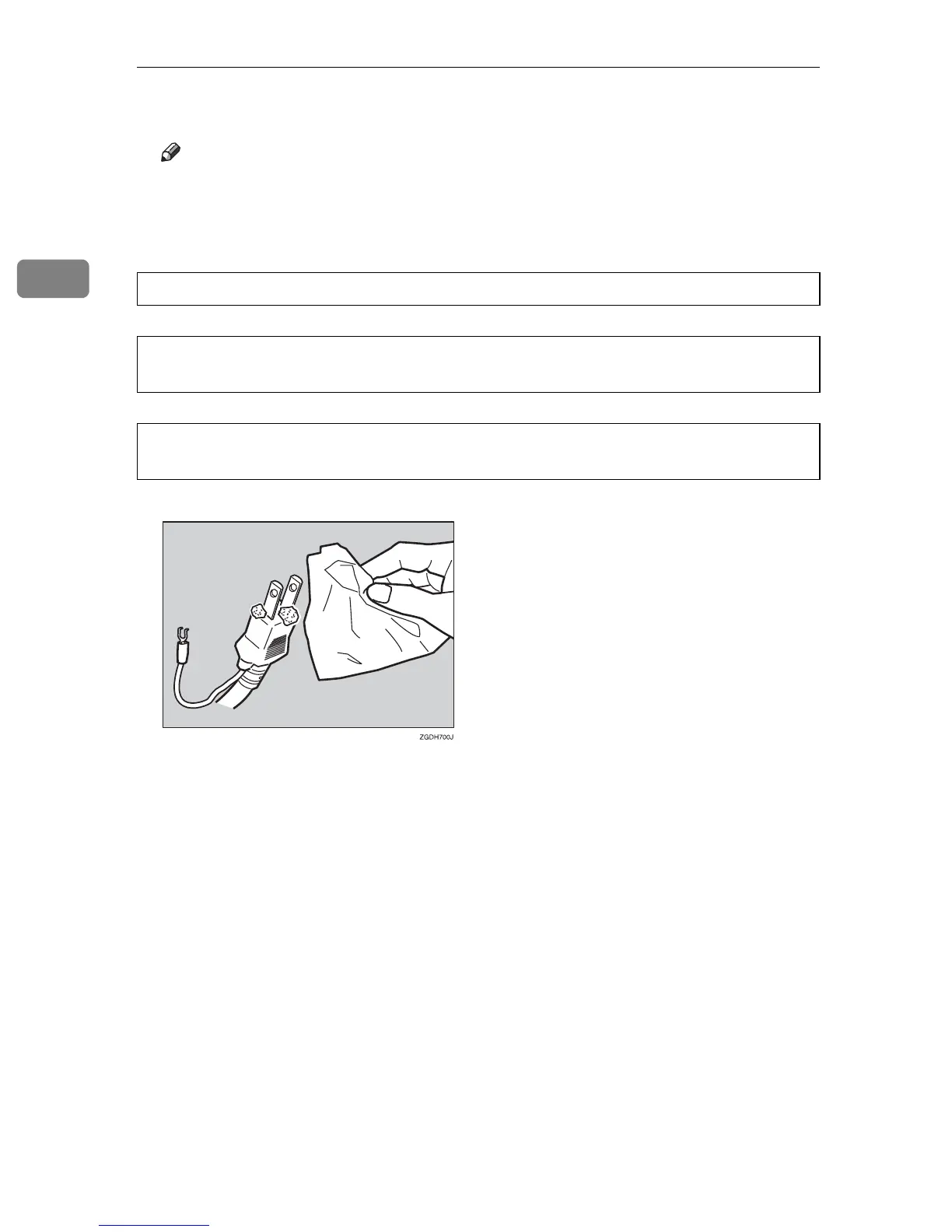
• Clean the plug end of the power cable at least once a year so as to avoid a
possible fire.



 To Next Page