When Registering with the E-mail (SMTP) Method
47
4
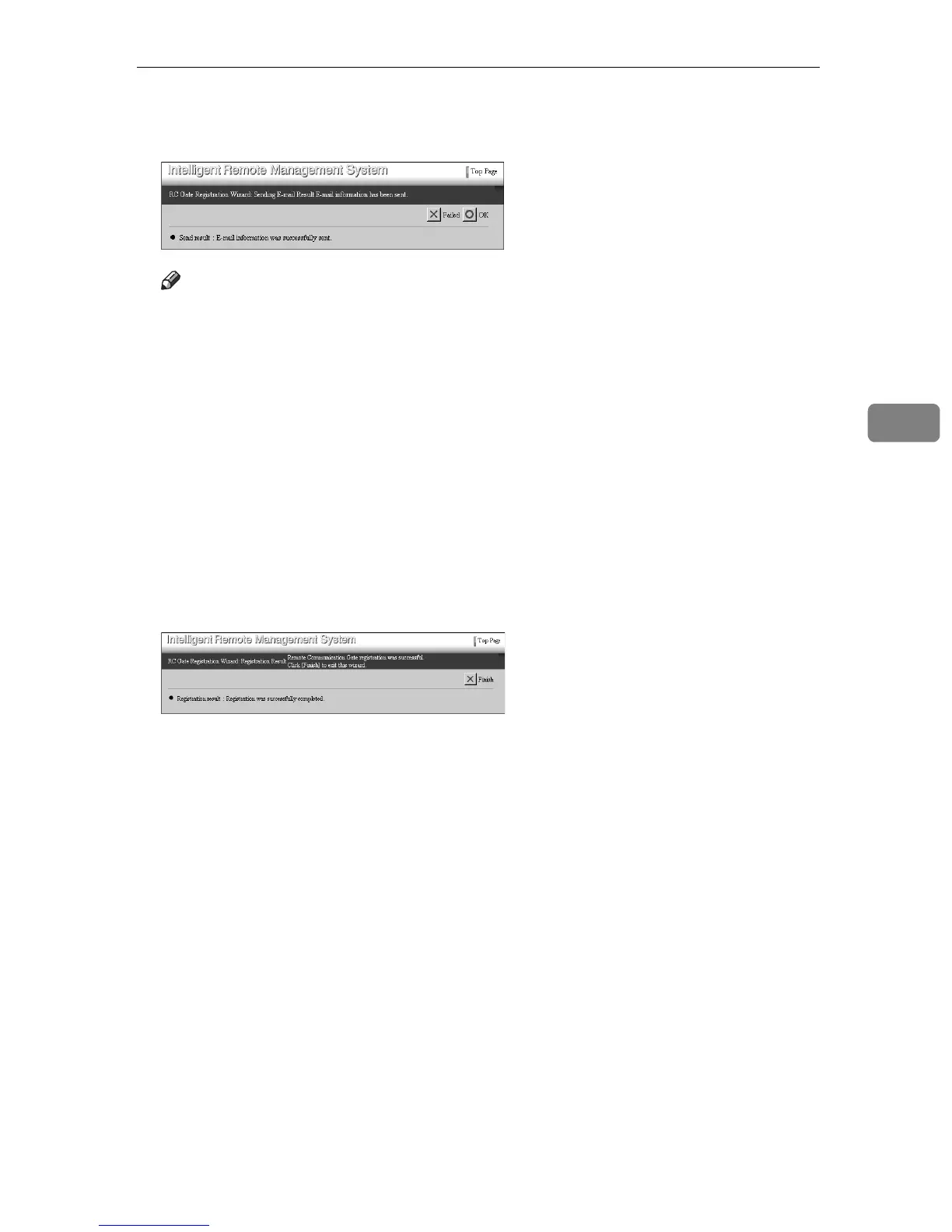
K Confirm that “E-mail information was successfully sent.” is shown in
“Send result.” Click [OK].
Note
❒ If the equipment fails to send an E-mail to the SMTP server, [OK] button
will not appear. Click [Failed]. Return to the [RC Gate Registration Wizard: E-
mail Settings] screen and then set the values again.
❒ If you entered [RC Gate registrant E-mail address], an E-mail that shows the
Communication Server has received the E-mail from your the equipment
is sent to the entered address. The E-mail is sent from the Communication
Server. Confirm the E-mail.
❒ If you want to change [RC Gate registrant E-mail address], click [Failed] instead
of [OK]. Return to the [RC Gate Registration Wizard: E-mail Settings] screen, and
then set the values again.
The [RC Gate Registration Wizard: Confirmation Result] screen appears.
L Confirm that “Registration was successfully completed.” is shown. Click
[Finish].
RC Gate Registration Wizard finishes and returns to the Top Page.



 To Next Page