Page 29
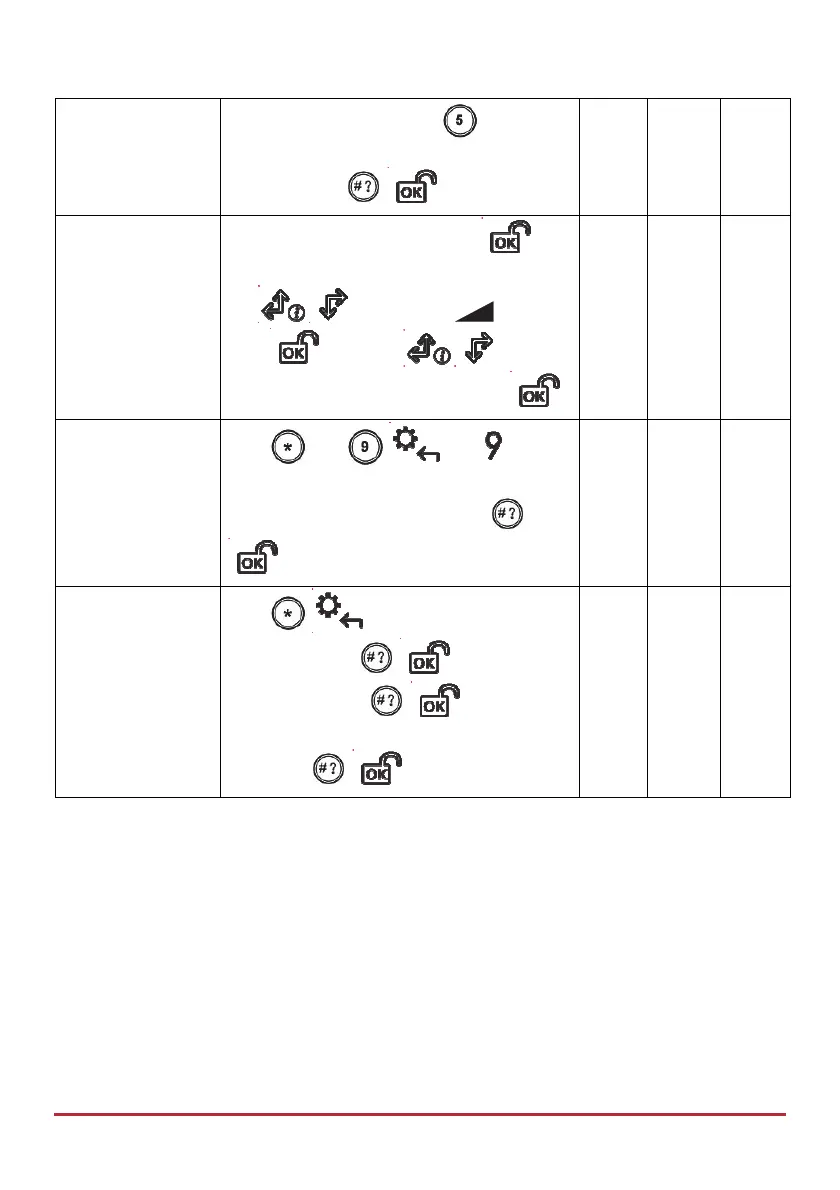
Adjust speaker
volume
LCD/Panda Keypad: Press
for 2
seconds. Press 0-4 to select volume level,
and then press /
Adjust keypad
volume
Panda Keypad: / Press and hold
for 2
seconds.
Use
to select the icon and
press
then use to adjust
the display contrast, and then press
Change keypad
and panel
language
Press
and / and
simultaneously for 2 seconds. Scroll to
select a language, and then press
/ .
Set Clock
(Time & date)
Press
/ , enter code, scroll to
Clock and press
/ , scroll to Time
& Date and press
/ , use scroll
keys to enter the correct time and date, and
then press
/ .



 To Next Page