Page 30
Service Mode
(Activate this mode
when changing a
device’s battery to
silence the tamper
alarm for an
installer-defined
period of time)
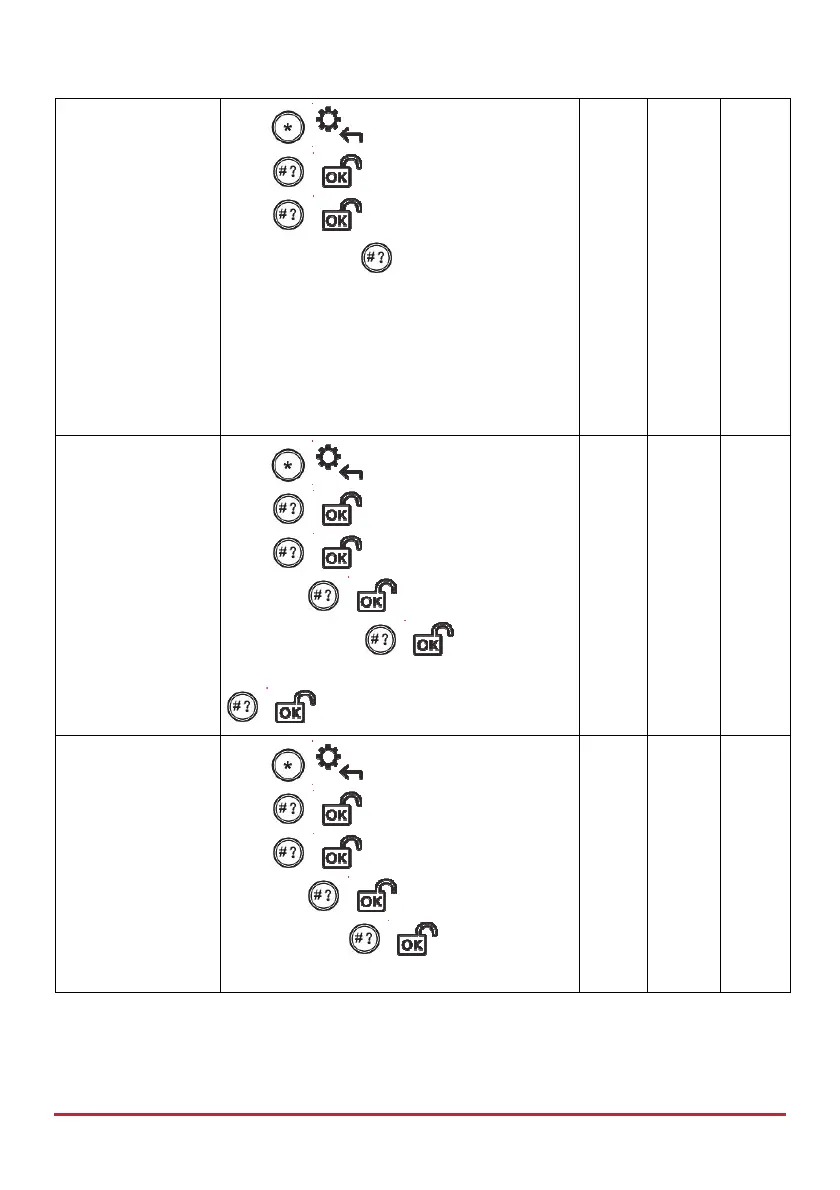
Press
/ , enter code, at Activities,
press
/ , scroll to Advanced and
press
/ , then scroll to Service
Mode and press ; “Service Mode
Activated” displays. Remove device cover
and replace battery.
NOTE: To deactivate Service Mode (and
return to normal operation after battery
replacement), repeat the procedure; it
automatically toggles to “Deactivated.”
Check SIM Credit
(Get credit level of
your prepaid SIM
card by SMS or
voice)
Press
/ , enter code, at Activities
press
/ , scroll to Advanced and
press
/ , scroll to Prepaid SIM
and press
/ , scroll to Check
Credit and press
/ , scroll to Send
Request or Get Results, and then press
/ .
Reset SIM
(After replenishing
a prepaid SIM card,
you must reset it)
Press
/ , enter code, at Activities
press
/ , scroll to Advanced and
press
/ , scroll to Prepaid SIM
and press
/ , then scroll to Reset
SIM and press
/ ; “Reset SIM Card
Counter” displays.



 To Next Page