Page 32
CS Connect
(Grants permission
to installer /
monitoring station
to establish
communication
with the
configuration
software via IP or
GPRS
communication)
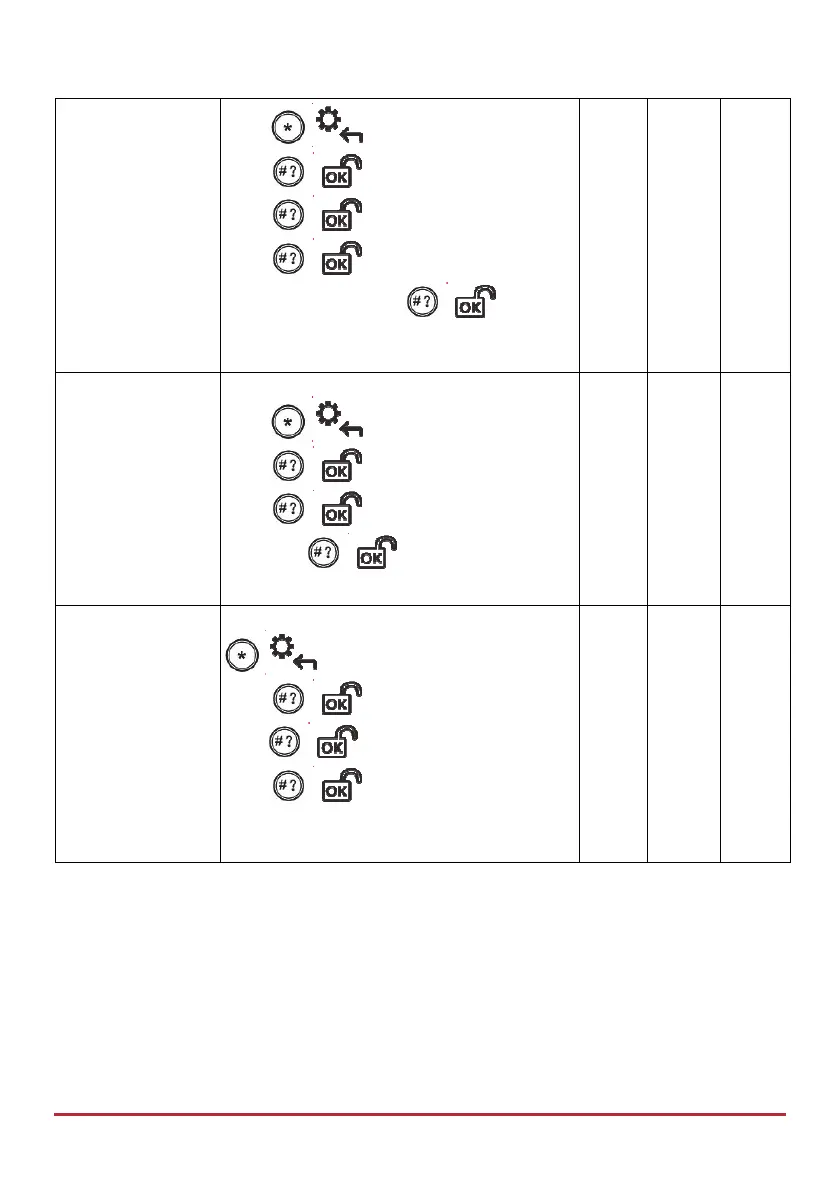
Press
/ , enter code, at Activities
press
/ , scroll to Advanced and
press
/ , scroll to CS Connect and
press
/ , scroll to via IP or via
GPRS, and then press
/ ;
“Connection Activated” displays.
Enable CS
(Grants permission
to installer /
monitoring station
to enable remote
configuration and
operation via the
Configuration
Software)
Press
/ , enter code, at Activities
press
/ , scroll to Advanced and
press
/ , then scroll to Enable CS
and press
/ ; “Connection Ready”
displays.
Walk Test
(To ensure correct
detector operation
for selected zones.
After Setting, walk
through the zone(s)
to ensure that the
alarms are
triggered.)
/ , > code >at Activities menu
press
/ > scroll to Walk Test >
press
/ > “at Start Walk Test”
press
/ . Walk through the
zone(s) and ensure detection by triggering
the respective alarm(s).



 To Next Page