2-3
Installation
Changing Hardware
Switch Settings
In most cases, it is not necessary to change the setting of the hardware
switches. If you need to change the switch settings, complete the steps
outlined below:
NOTE
The hardware switches are located under the cover opposite the terminal
block. Because changing their settings requires opening the electronics
housing, make every attempt possible to carry out these procedures away
from the plant environment to protect the electronics.
1. Disconnect power to the transmitter.
2. Unscrew and remove the electronics cover.
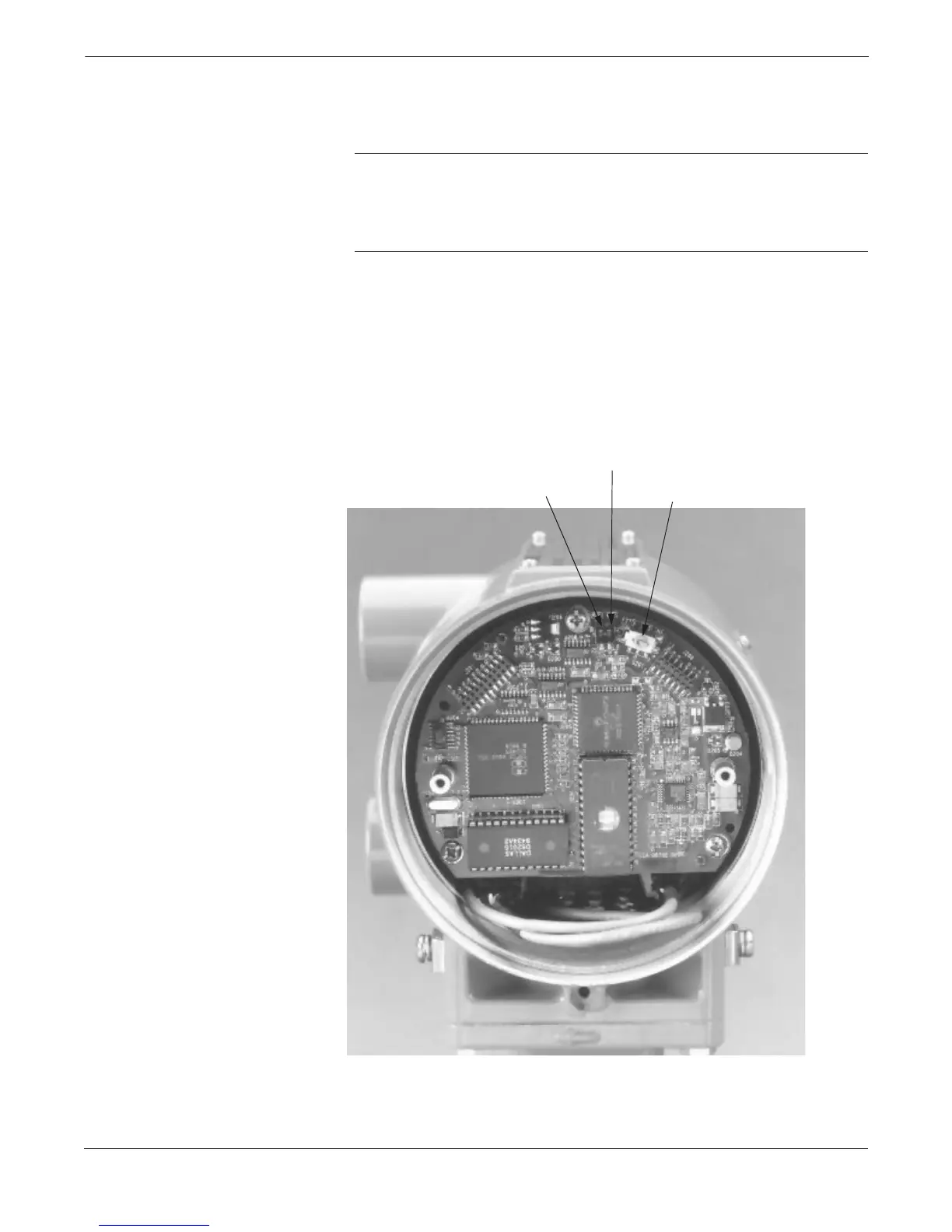
3. Identify the location of each switch (see Figure 2-1).
4. Change the setting of the desired switches with a small screwdriver.
5. Reinstall and tighten the electronics cover.
FIGURE 2-1. Model 8732C
Electronics Board and Hardware Switches.
8732-004AB
Software Lockout
On/Off
Hi/Lo Alarm
Internal External
Analog Power














 To Next Page