5- Information / Configuration
F@ST 4310 Reference Manual Page 5-117
Sagemcom Broadband SAS document. Reproduction and disclosure prohibited
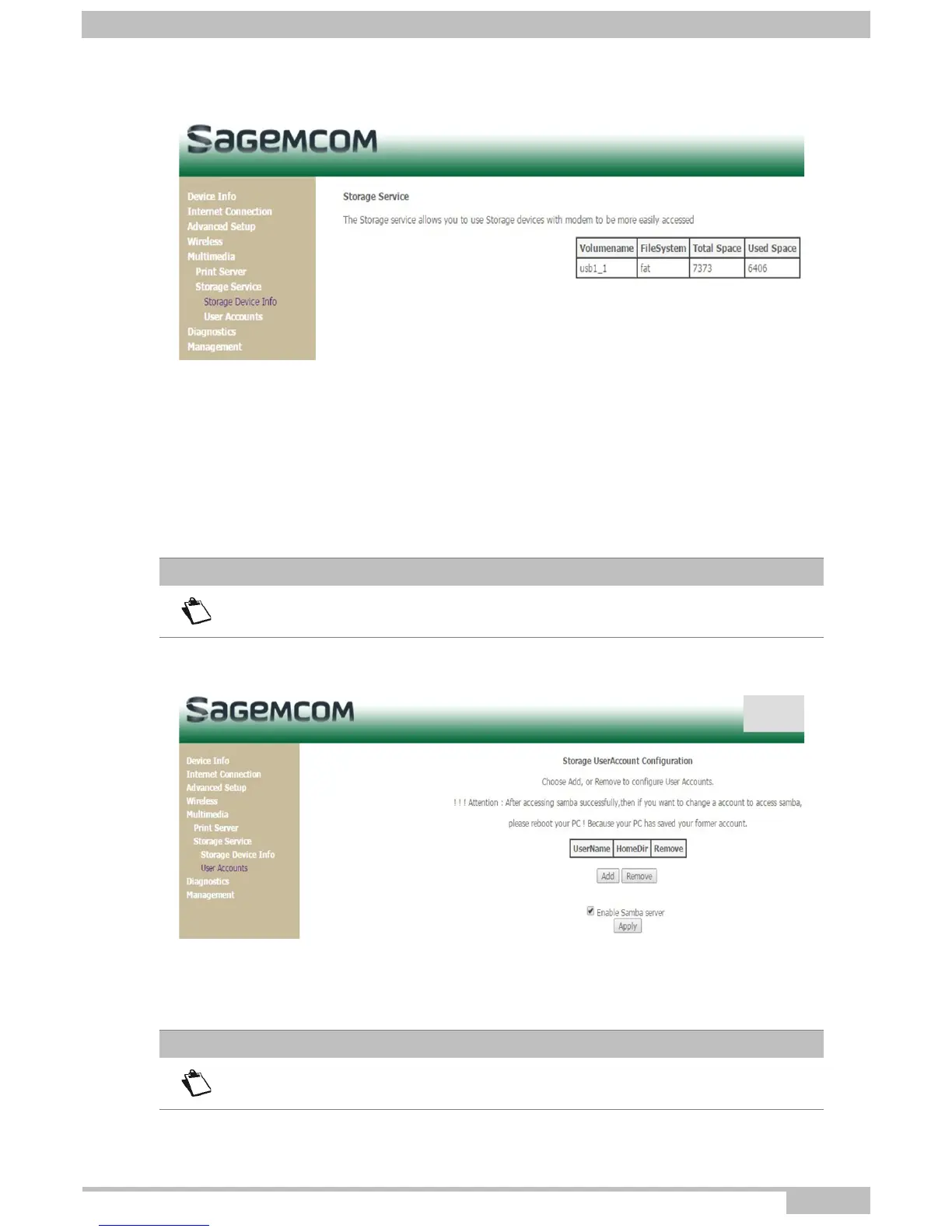
5.9.2.1 Storage Device Info
5.9.2.2 User accounts
Storage UserAccount Configuration
• Choose Add, or Remove to configure User Accounts.
• In the boxes below, enter the user name, password and volume name on which the home directory is to
be created.
Attention
After accessing samba successfully, then if you want to change a account to access
samba, please reboot your PC ! Because your PC has saved your former account.
Attention
the volumeName must be showed at 'Storage Device Info' webpage



 To Next Page